Marker.IO is a client feedback tool on stage sites for the client to be able to give accurate feedback on the site. This is best used for visual feedback, but can be involved in any client facing UAT.
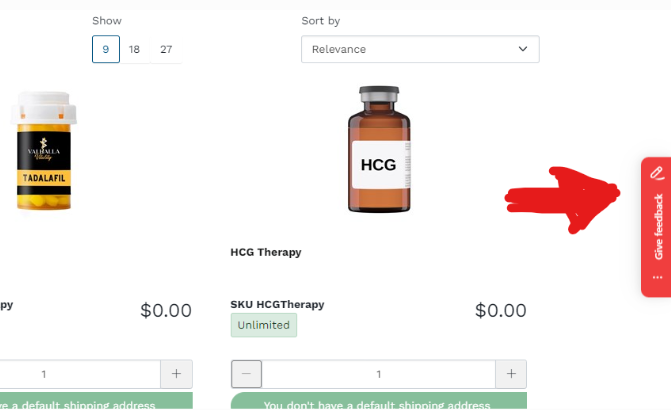
Once it is set up on the staging environment, this feedback tab will show up on the website.
¶ In Azure
- In your project backlog, create an Epic titled "[Project Acronym] Bug & Change Request"
- Make a child named "[Project Acronym] Marker Returns"
¶ In Marker.Io
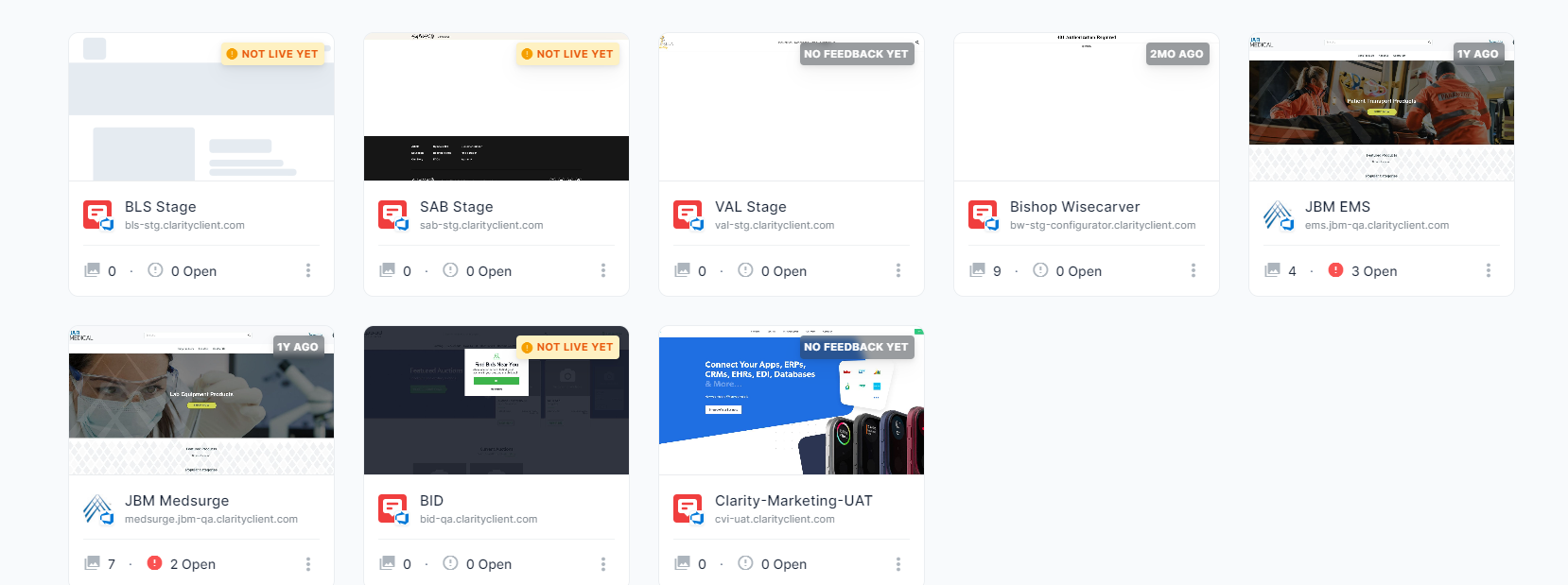
In the Project selection, find the project you want to set up:
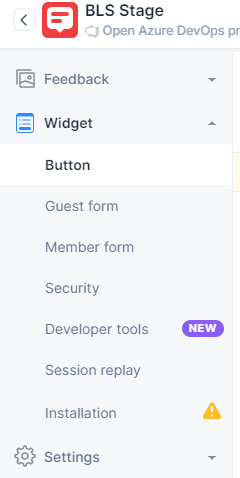
On the left hand side, go to the Guest Form or Member Form, you will be changing both of them, but which one you start on first is irrelevant.
You can change any of the fields you would like on the form.
- Best Practice: Remove everything except the title and the repro steps.
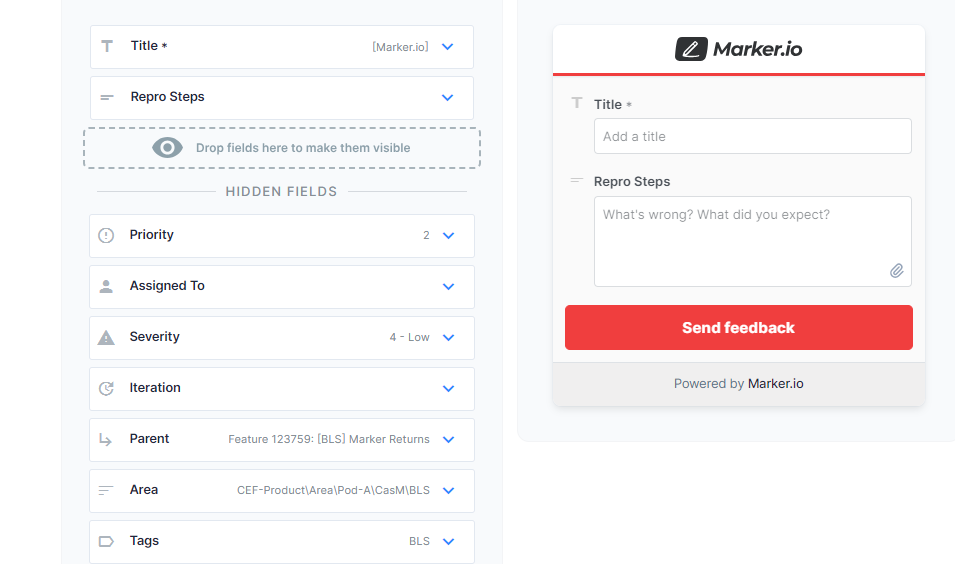
Keep the Title as [Marker.io], this will give you a chance to review the bug prior to it entering the sprint.
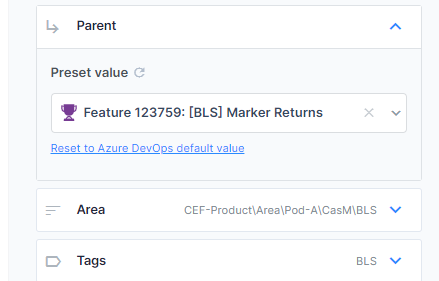
Change the Area to be the Area Path of that project, follow suit for Tags.
Add the feature created above as the Parent.
Once you are done, do the same thing on the other Form.
As new bugs are created, they will be entered under the feature you created. But they will not have QA FAilures