¶ Publishing Content
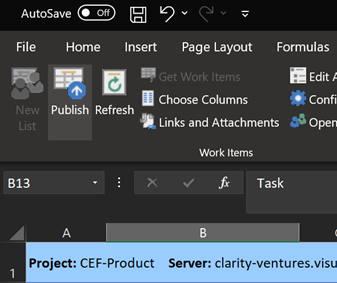
Click the Publish Button will upload all changes and additions made in your workbook straight to Azure DevOps.
NOTE: Be sure that all information is accurate and all Columns that need to be populated have been added to the list (i.e. Ensure the Area Path, Project Manager, and Tags Columns are added to your list to ensure they are not blank for any added items)
¶ THERE IS NO UNDO OPTION FOR PUBLISHING CHANGES