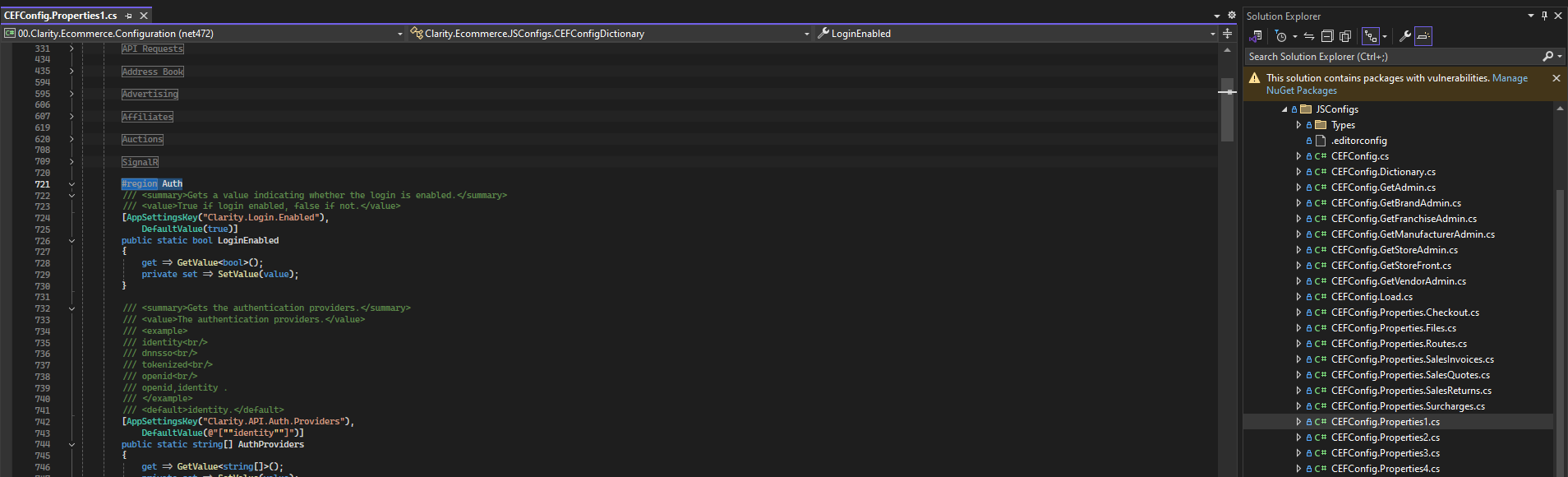
Create the setting you need in the respective place (most likely in one of the CEFConfig.Properties files).
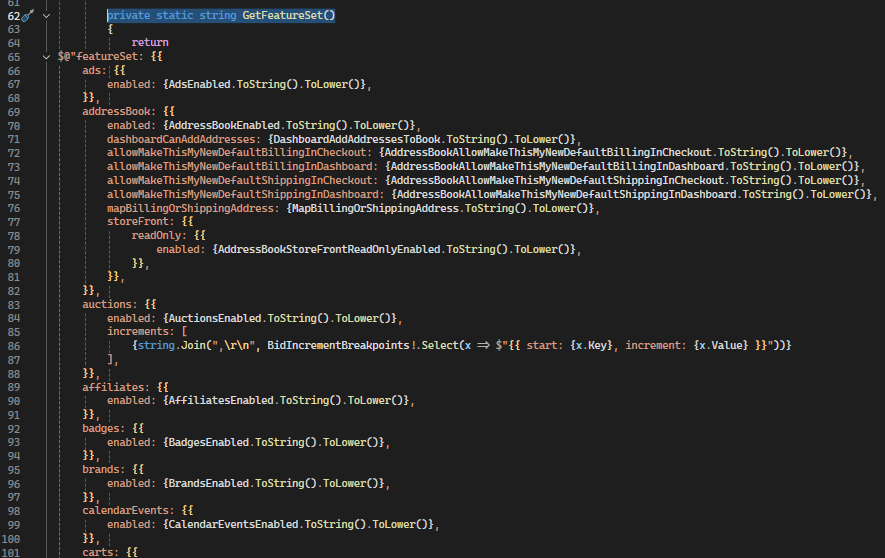
Once the setting is added to the BE configs, and if you need this setting to carry over to the FE, it will need to be added to the CEFConfig.Shared.cs file.
Open CEFConfig.Shared.cs and find the corresponding placement. Once found, follow the formatting in the file to add your new setting.
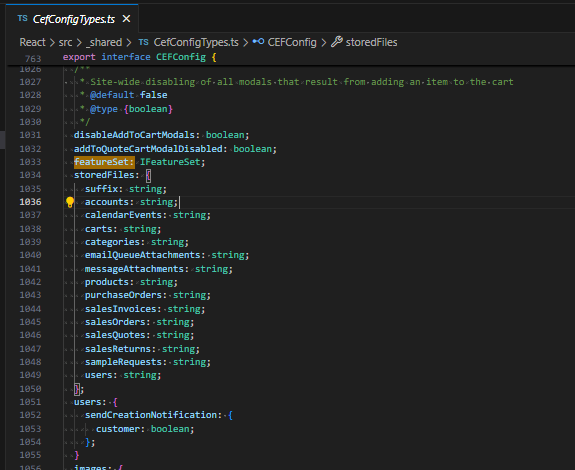
Once the BE work is completed, in the FE workspace, open CefConfigTypes.ts. Again, find the corresponding section to add your setting much like you did in the CEFConfig.Shared.cs file in the BE.
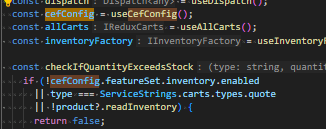
Once all of that is completed, make sure the setting is either defaulted or placed in the appropriate settings file (Client/Environment) with a value. Open the component you need to use the setting and ensure that you see the CefConfig being referenced or passed in toward to top of the file. Once completed you’ll be able to use your setting as you see in the image below.