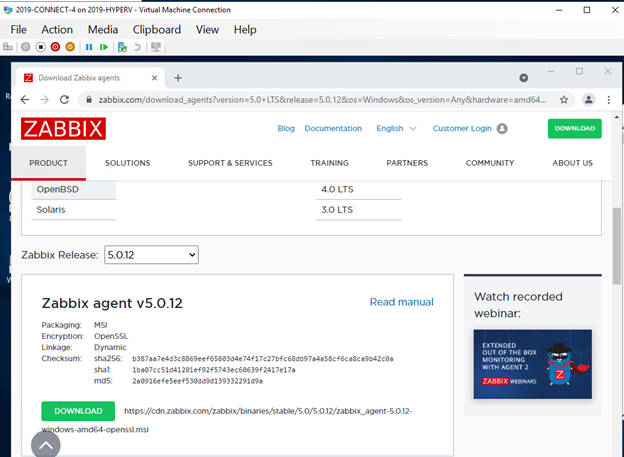
I. Take the following link and copy and paste it into the VM you wish to add, make sure to use Chrome as it will be easier to download
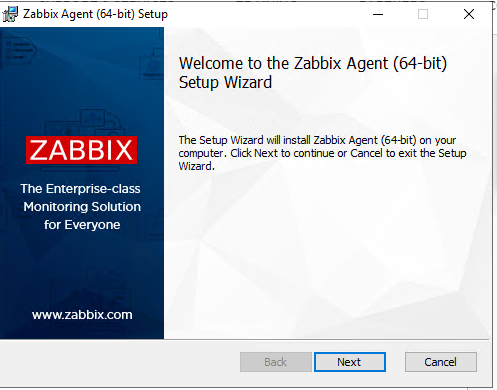
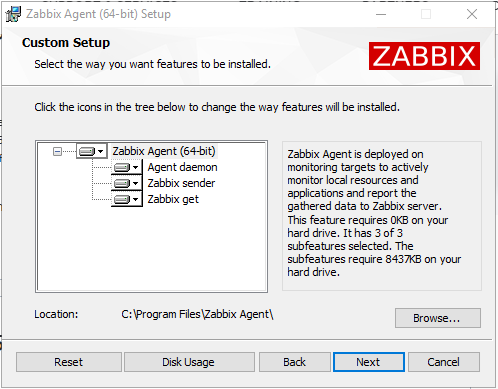
II. Run the install wizard
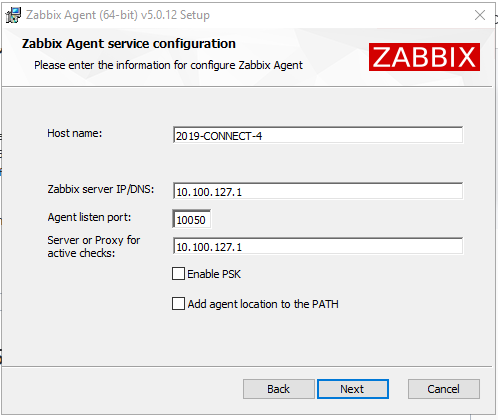
The Zabbix Server's IP is 10.100.127.1
Select next and finish the install
III. Open up the following windows
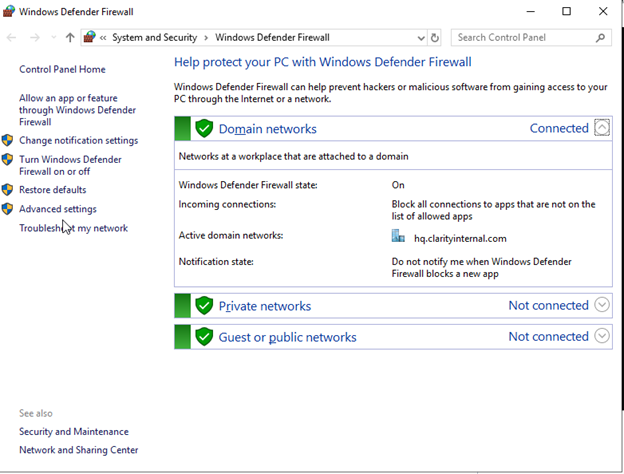
- CMD
- Windiows Firewall
- advanced options
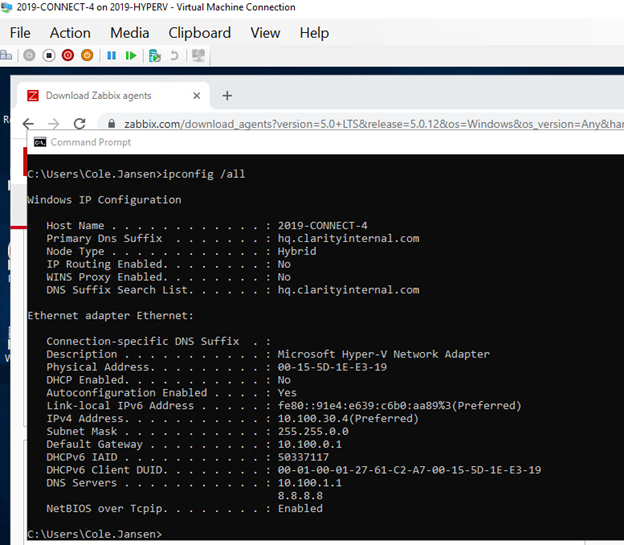
IV. Verify that the IP address and Host Name as this will be the information used to create the host into Zabbix itself
V. Firewall Advanced Settings
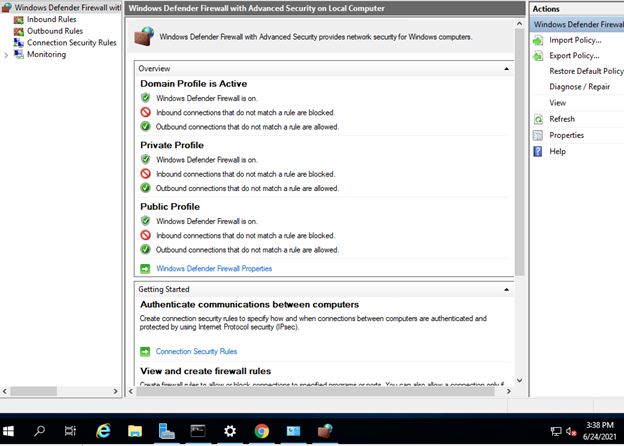
VI. Create an inbound rule
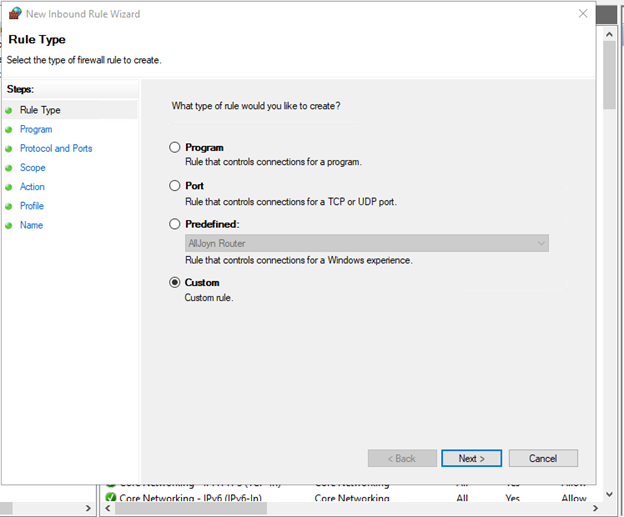
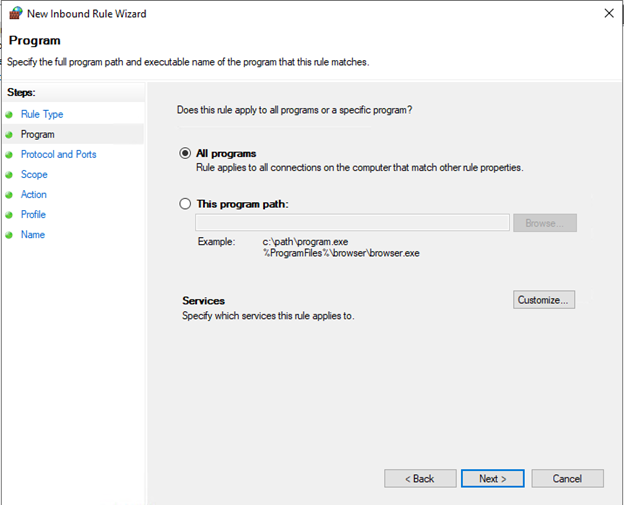
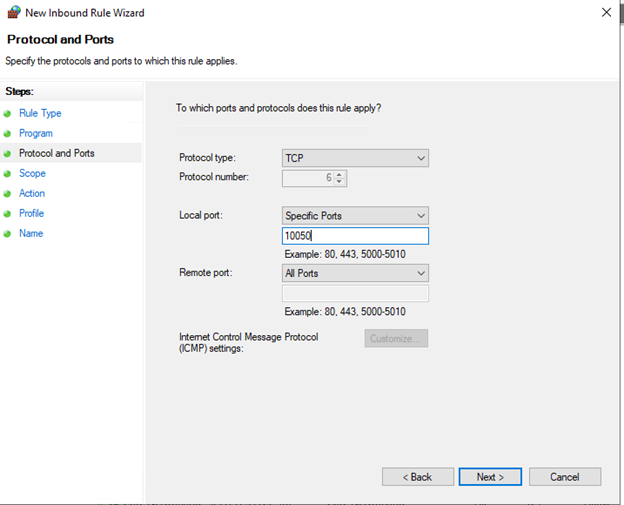
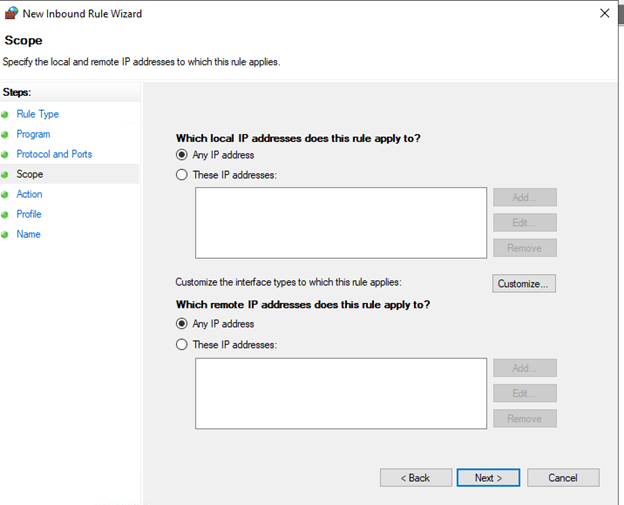
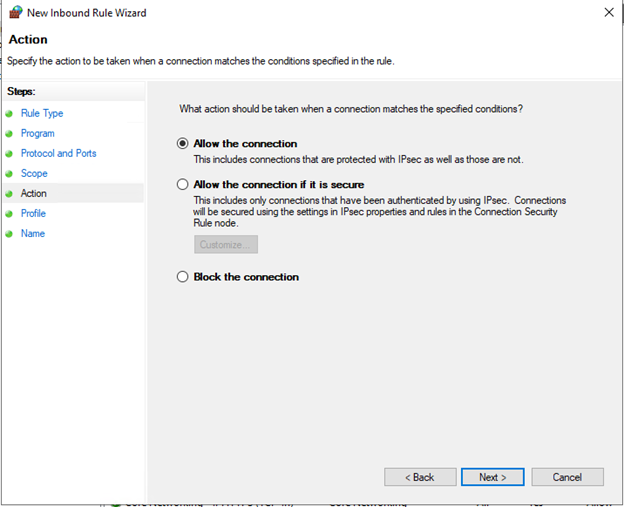
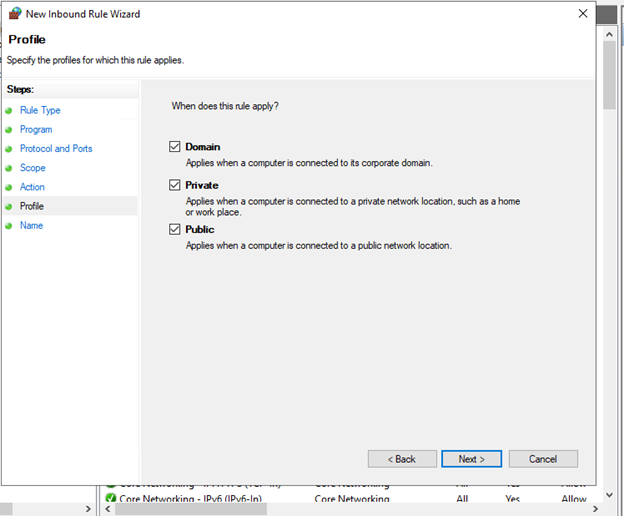
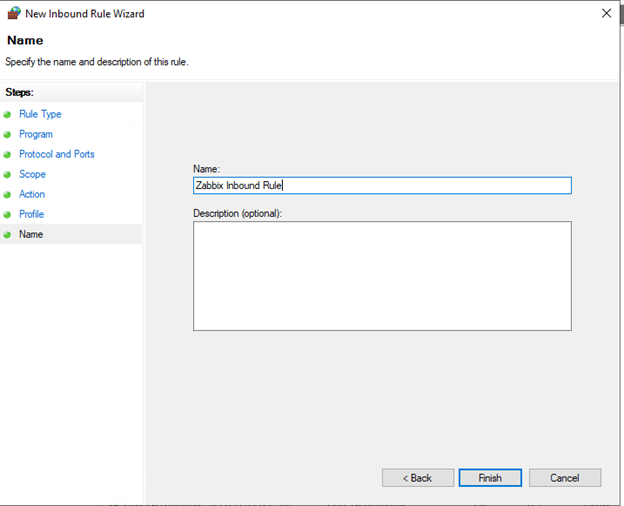
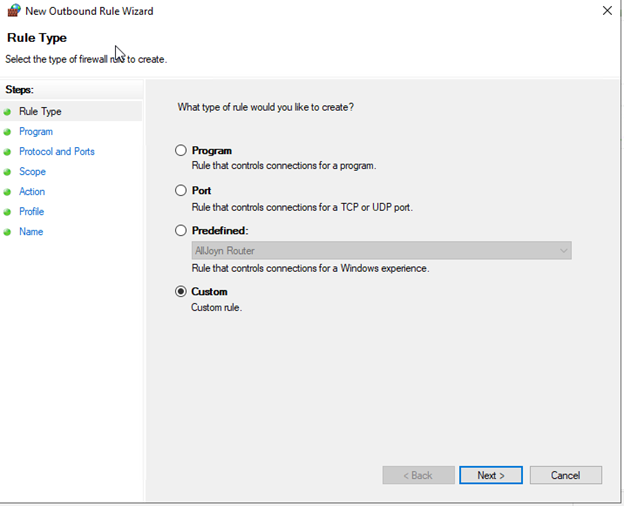
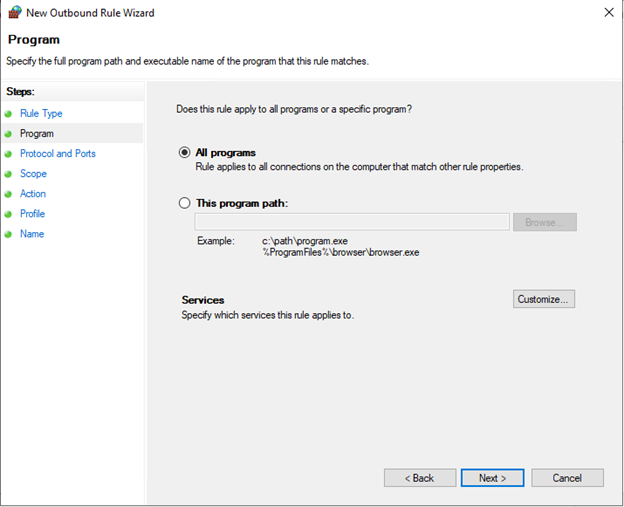
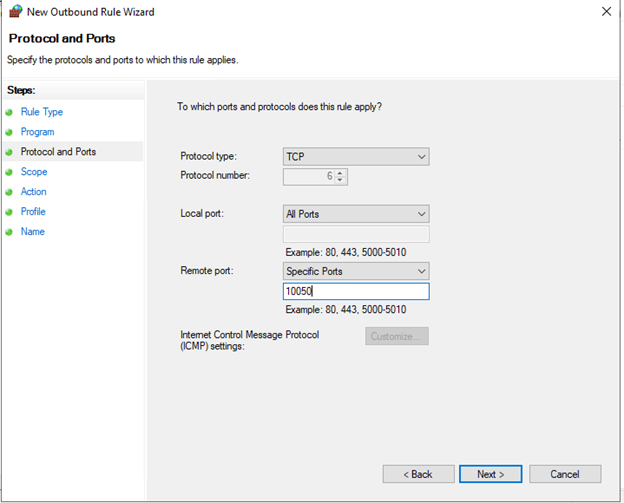
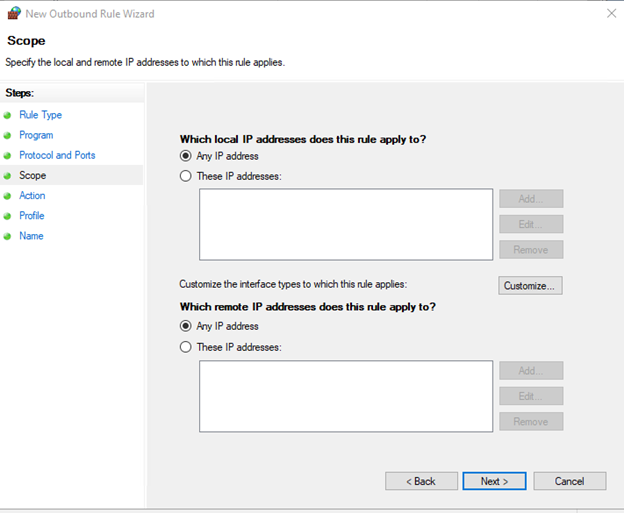
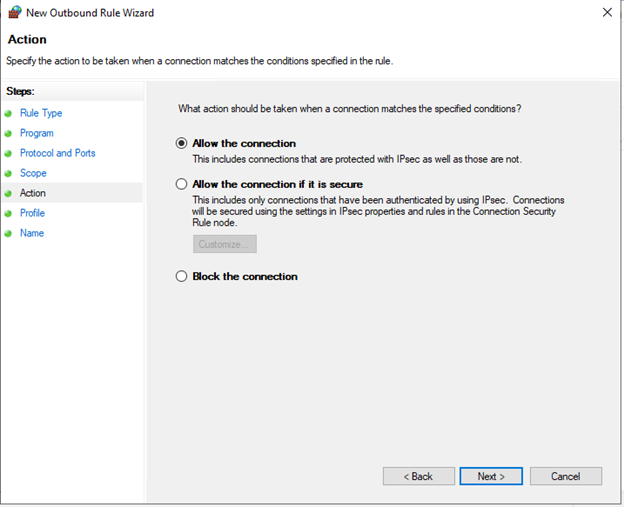
VII. Create an outbound rule
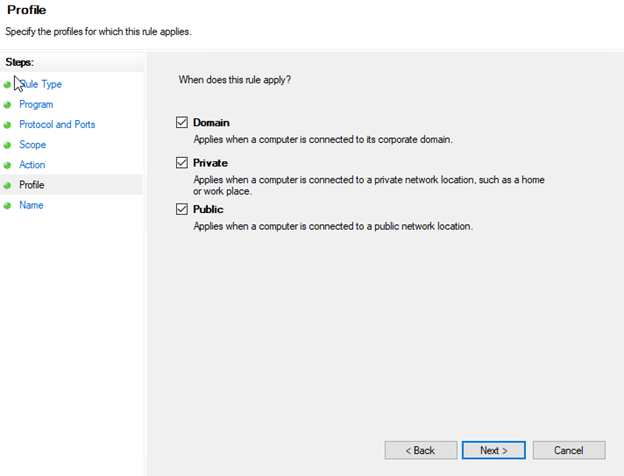
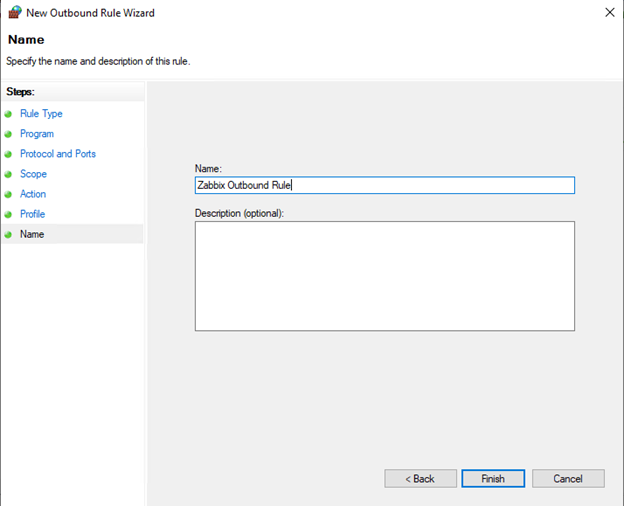
VIII. Create a host in Zabbix
First sign in to Zabbix
Go to Configuration
Then to Hosts
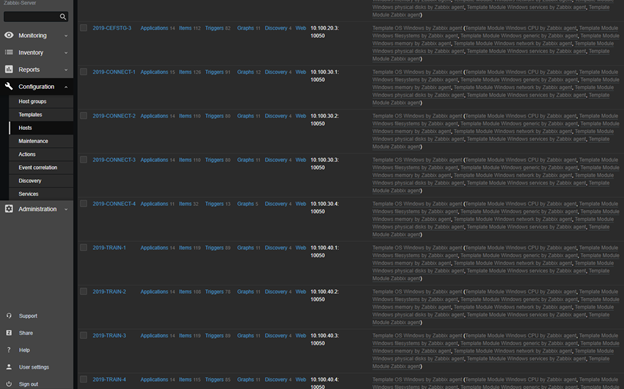
Once in Hosts perform a full clone of a machine in the same group you are adding or add one of the original machines such as 2019-TRAIN-1
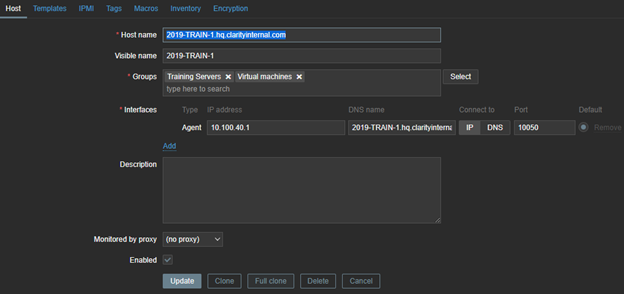
IX. Change the hostname, visible name, group, agent ip address and DNS name to the machines matching information and appropriate group.
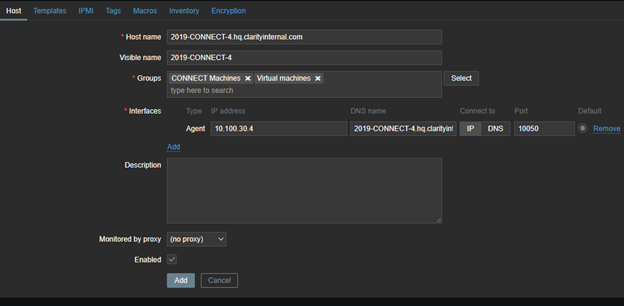
Select Add
Then go to Monitoring -> hosts and find the machine you created
It might take a few minutes for data to start being collected by Zabbix
Select the machine name and select graphs
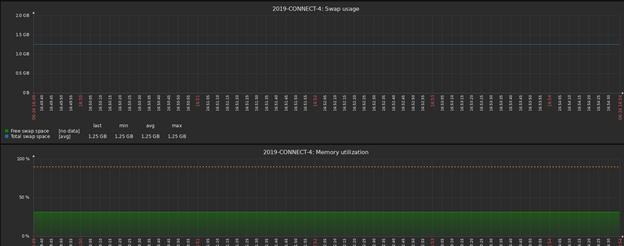
Ensure Zabbix is collecting information