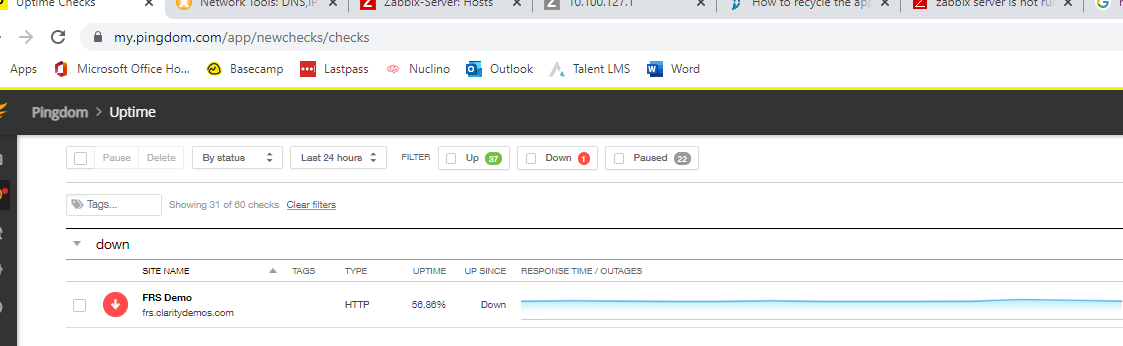
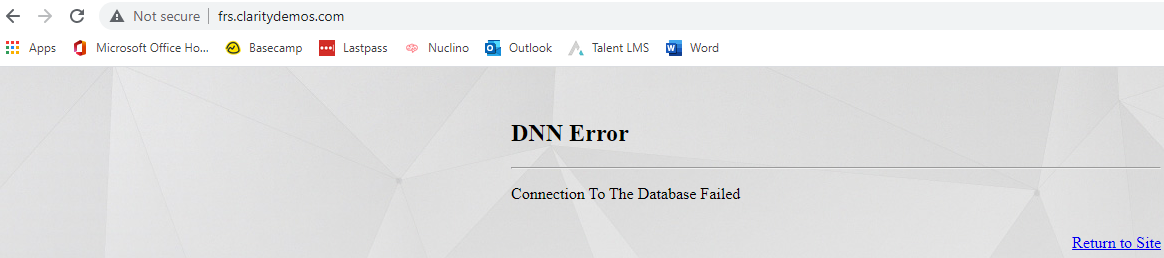
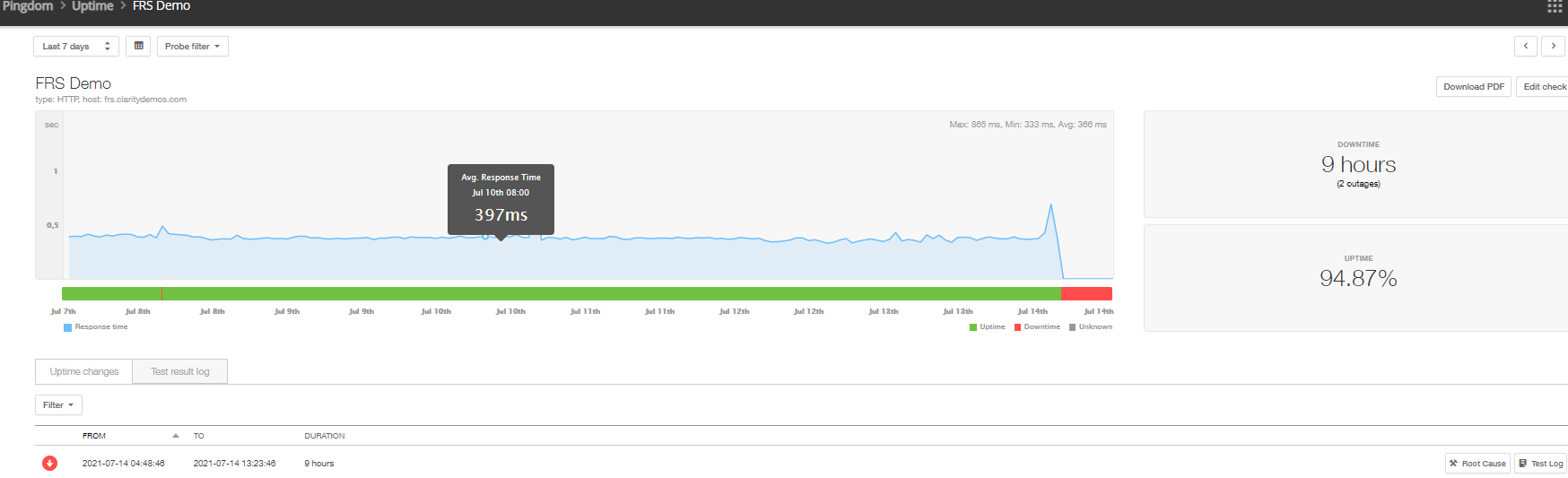
I. Ensure that the website is down
- navigate to the website's url in question
-

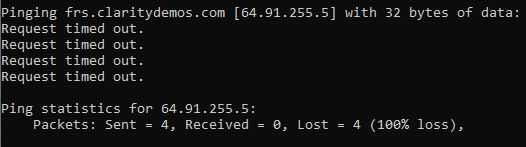
II. Try to ping the website in question
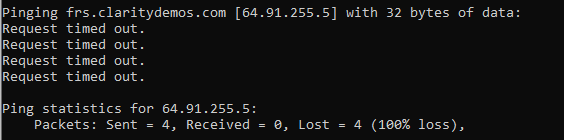
III. If the ping fails, try a reverse ip lookup with the ip you found from the ping to discover the host machine's name
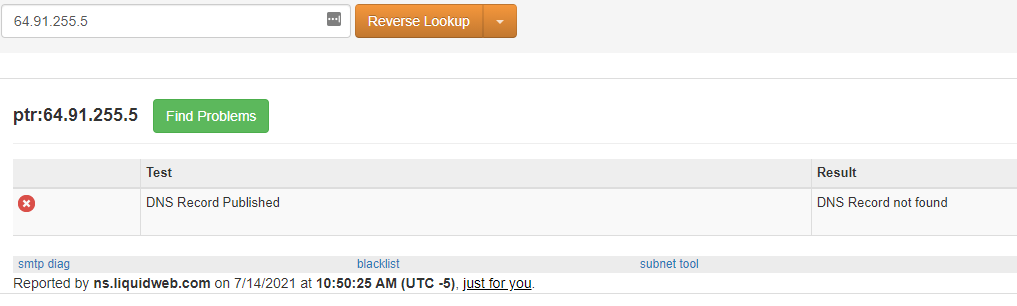
IV. Once you discover the hostname, navigate to it and open IIS manager and locate the website (For this example I will have to use other websites)
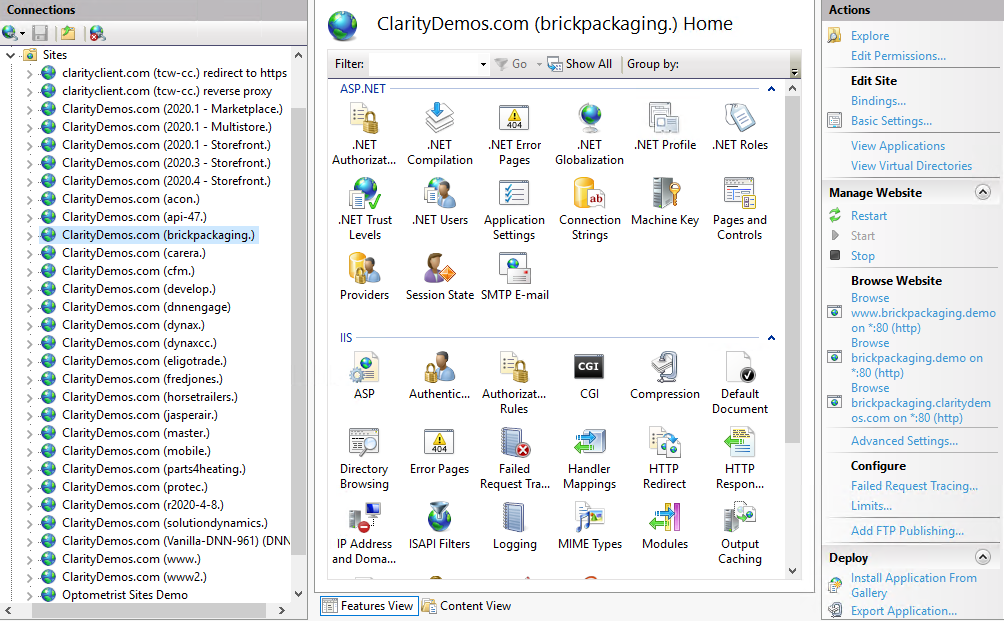
V. Try to browse the website locally on the machine, some of the links may not function so be sure to try each one.
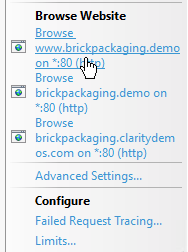

VI. Next step would be to stop and restart the website
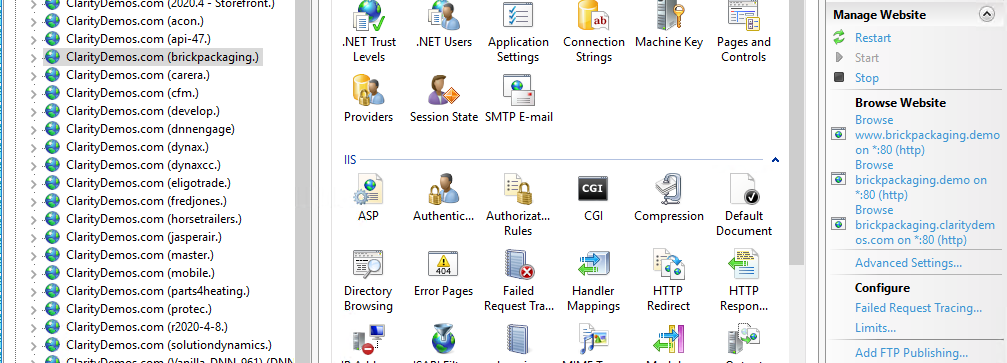
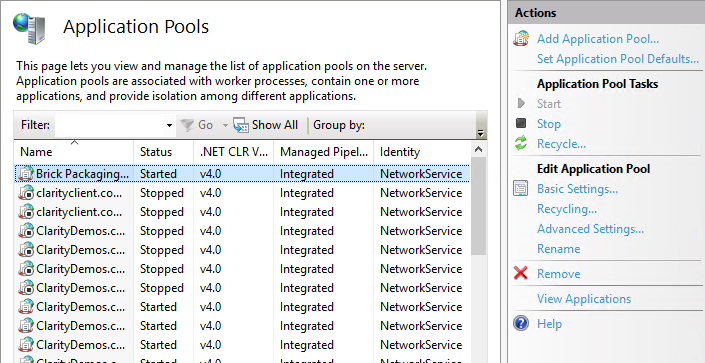
VII. Another option to attempt would be to recycle the app pool. In IIS look under the server name, select "Application Pools" and then select the website in question and hit "Recycle."
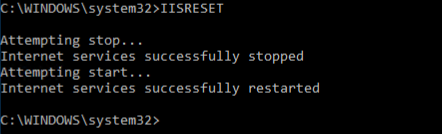
VIII. An IIS reset may also be a good option to bring a website back on line. The command is "IISRESET"
IX. Constantly check the website via pings, pingdom.com, and navigating to the website manually.