- Navigate to Azure
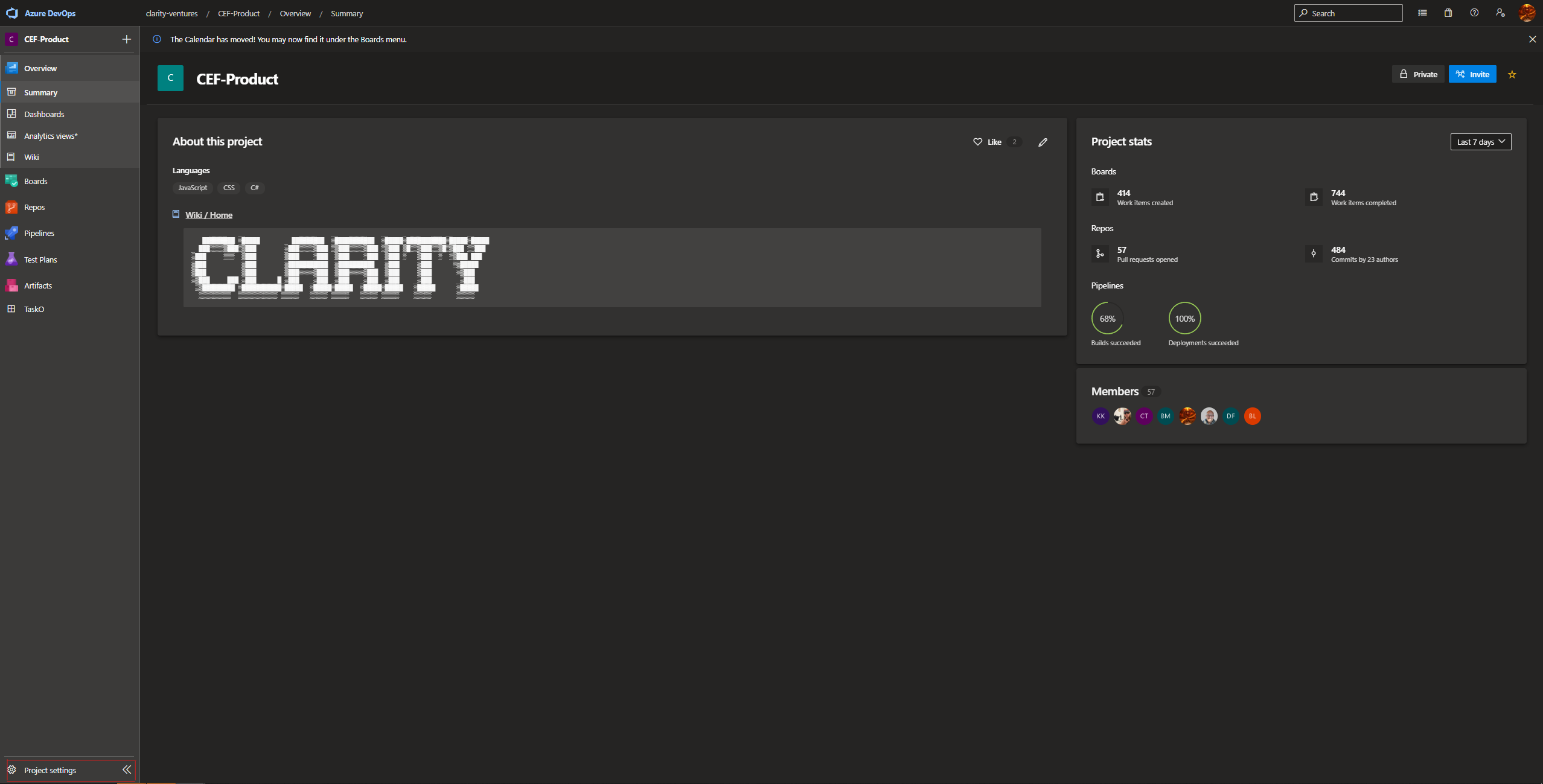
- Navigate to the Project that the user will have permissions to edit the pipeline for (most likely CEF-Product)
- Click on "Project Settings" located in the bottom-left of the page.
211b1f32-b89d-4a19-85e4-3c2892b81480.png
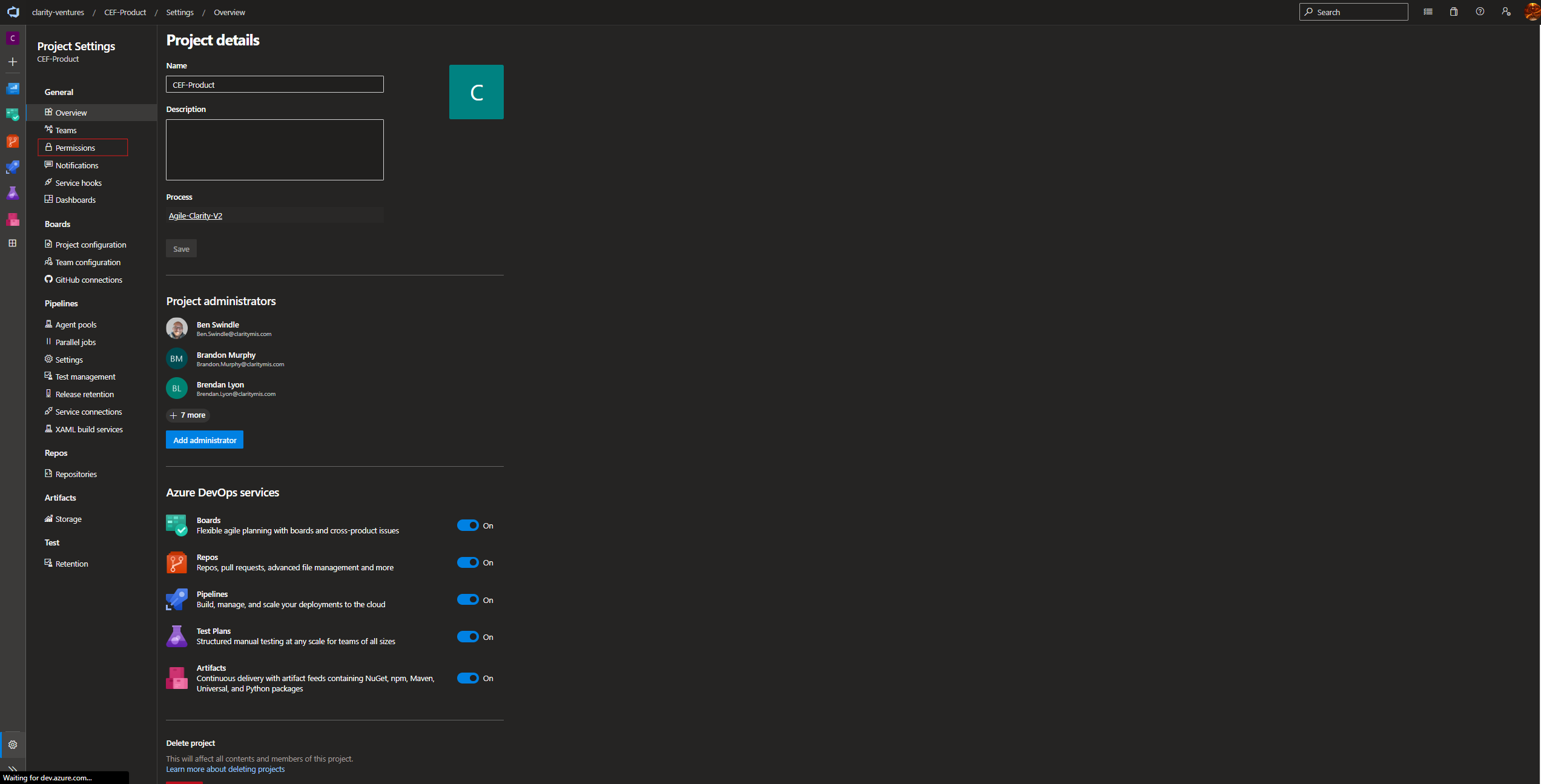
- In the left nav click "Permissions"
dd450ba0-b061-4048-b7d1-76d403a5966d.png
- Find and click on the group called "Build Administrators"
- Click "Members"
- In the top right click "Add"
- Search for the user you are trying to grant permissions and click their name.
- Click Save in the bottom right
- The user is now part of the Build Administrators group and will have permissions to edit pipelines and set up CI/CD.