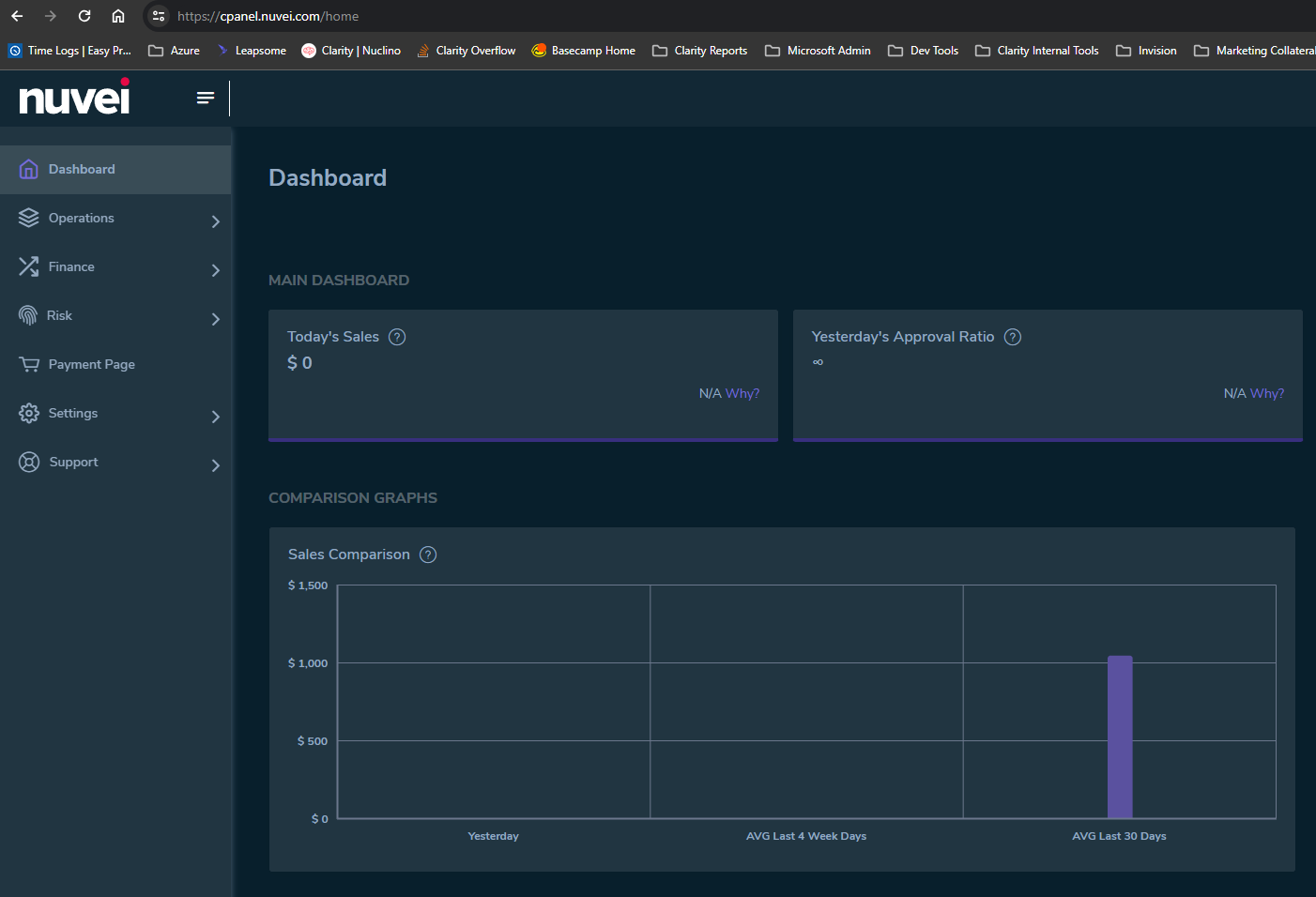
- Navigate to https://cpanel.nuvei.com/
d710db07-8a1f-4dba-abe7-6b04dc0a2704.png
- Login
- Note that if you don't have a user and are being asked to generate a paylink for our client to pay you will need to request to be added as a User to login
- Login requires Google Authenticator app
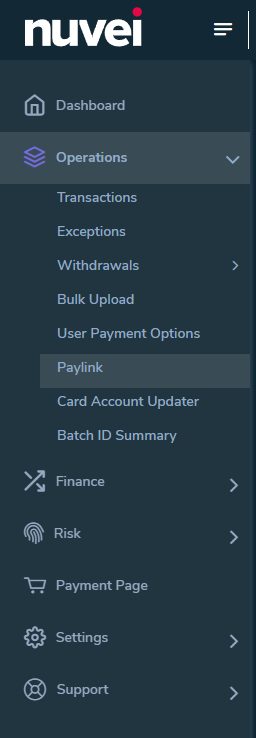
- Click on > Operations > Paylink in the left menu
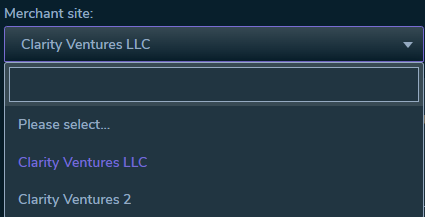
- Choose Clarity Ventures LLC in the "Merchant Site" Dropdown
- Fill out the
- First Name
- Last Name
- Country
- User Email Address
- Item Name
- I usually put the invoice number from CRM on this input
- Amount
- Currency
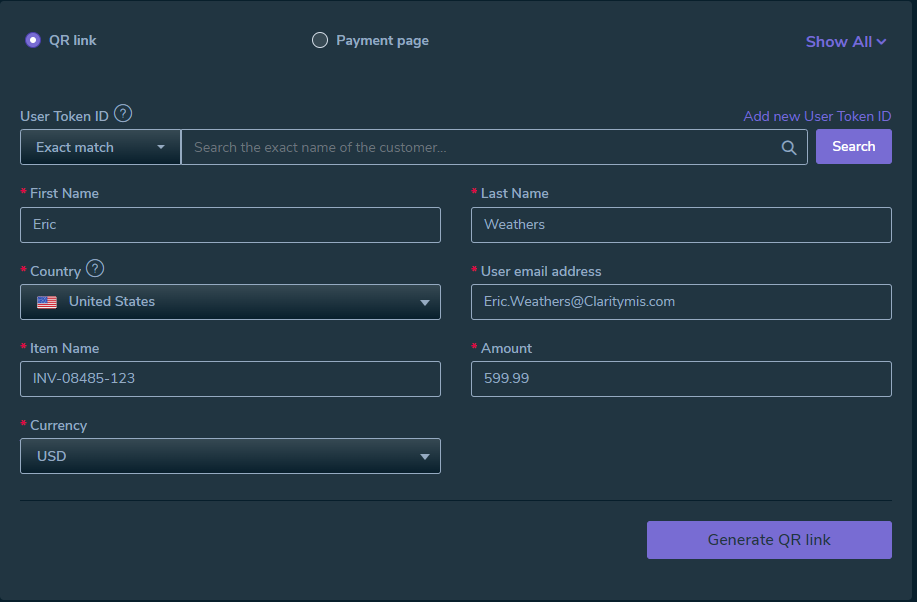
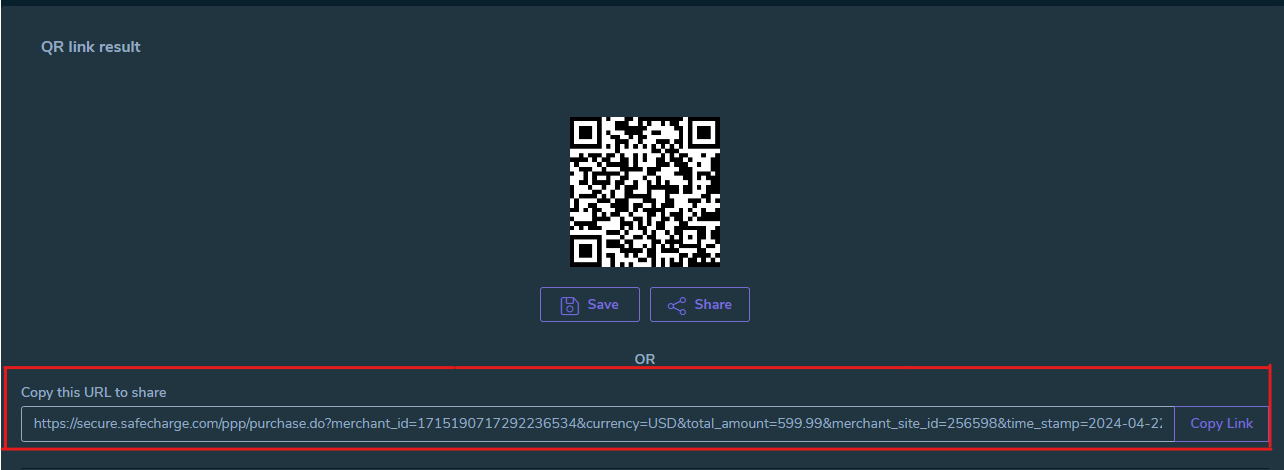
- Click "Generate QR link"
- Copy and paste the generated URL to the team member who will provide it to the client.