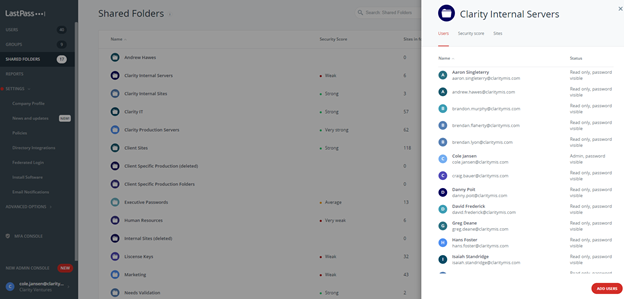
1. Log into Lastpass
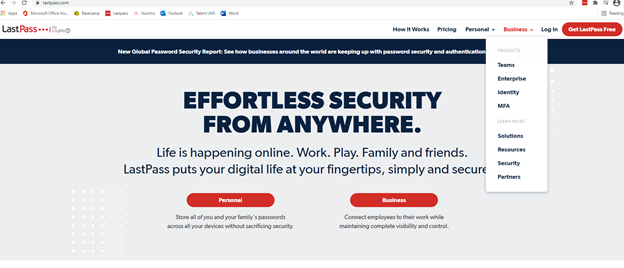
2. Go to the Admin Console
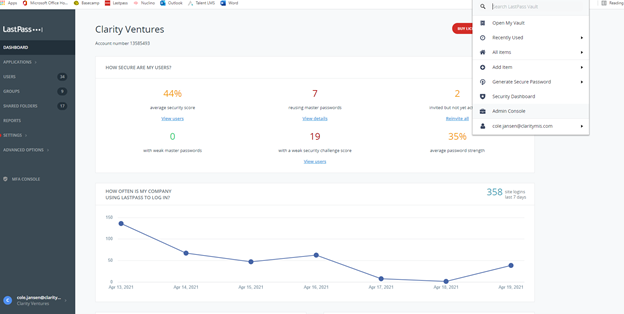
3. Select the User category
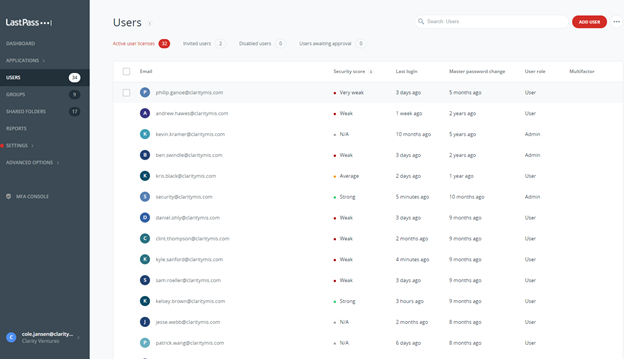
4. Select Add User at the top right
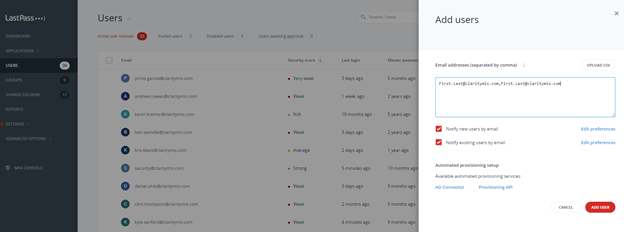
5. Add the User’s company email, you can add multiple users by separating them with a comma
a. example: First.Last@email.com,First1.Last1@email.com,
6. Verify New Users have been created
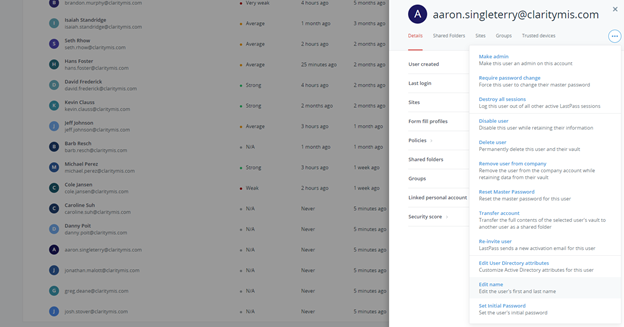
7. Edit the Users to ensure they have a First and Last name associated to their account
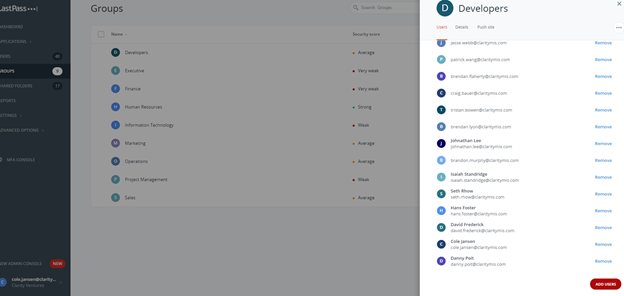
8. Add the Users to their relevant groups
9. Add the Users to their relevant folders