-
Login to Microsoft Office 365 Admin Center
-
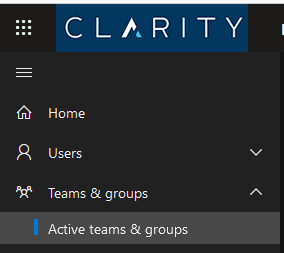
On the left hand side, click Teams & Groups, then Active teams & groups
-
Click Add a Microsoft 365 group
-

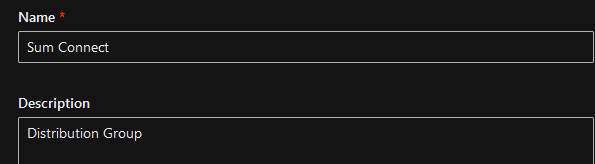
Enter the name and description
-
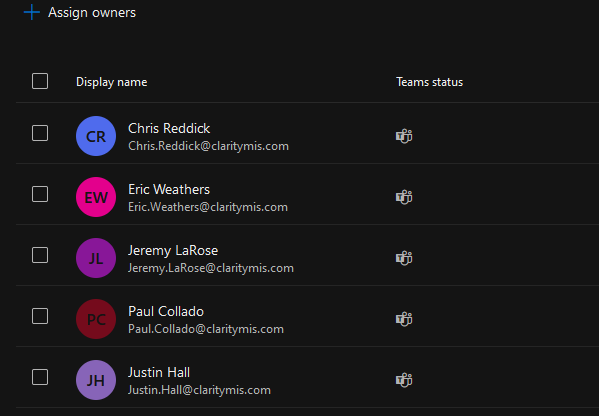
Add Owners & Members
-
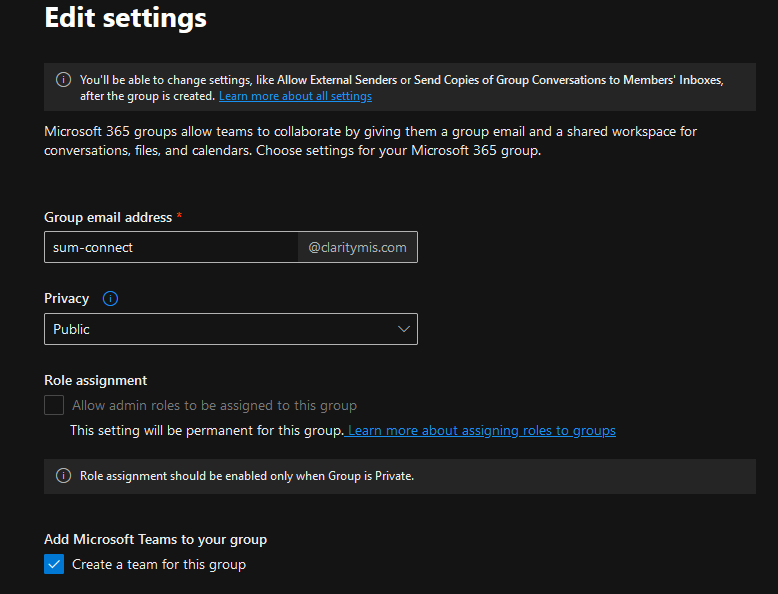
Enter the email you wish to use for the group. Determine if you would like this public or private. Most likely, you will create a "team" in Teams as well for the bottom option below.
-
Review and create! Almost done, the group will sync and might take up to 1 hour. Usually it should take about 15 minutes.
-
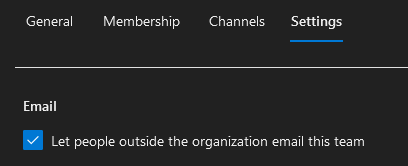
Search for the group you just created. Click to open the group, go to Settings tab. From here, depending on the request you will have to check "Let people outside the organization email this team" Then save.
-
-
All done!