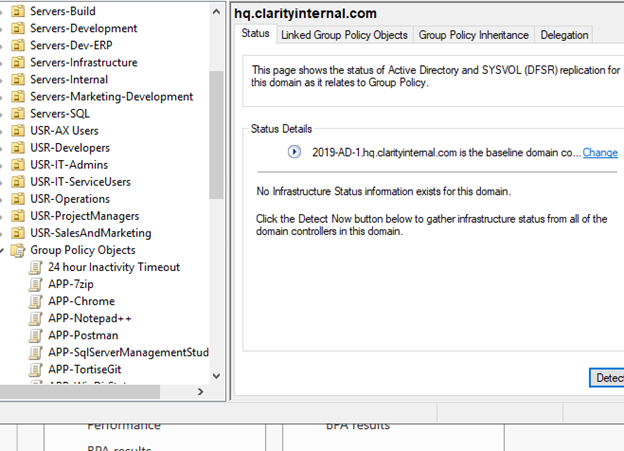
I. Go to the Domain controller, in the HQ Environment that would be AD-1. In the Corp Domain that would be DC2016.
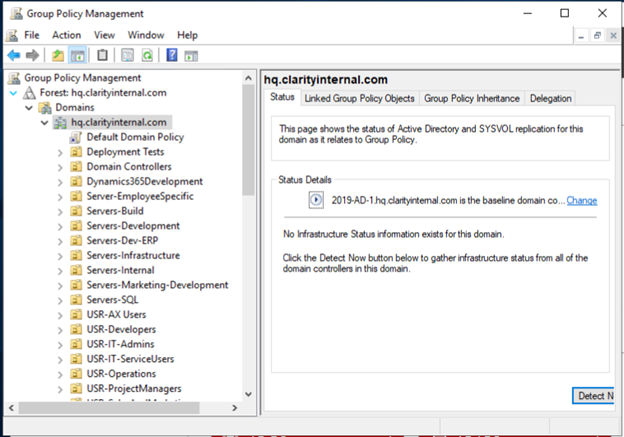
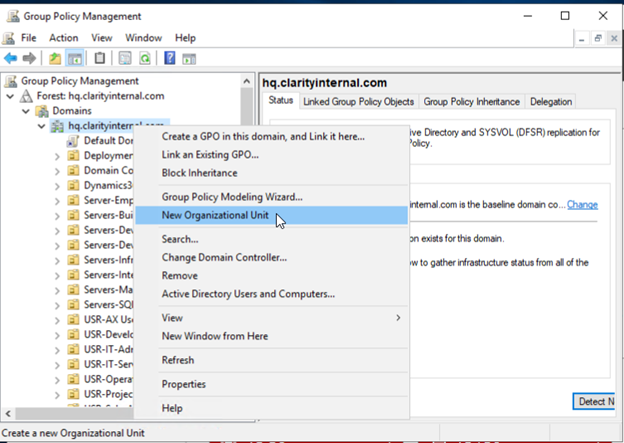
II. Right click the organization's domain, and then select New Organizational Unit.
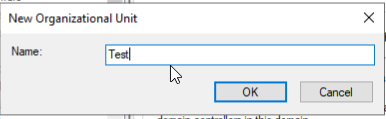
III. Create a name that is specific to the objects that will be contained within and that will follow naming conventions in place.
IV. It is also possible to place an OU inside of another one to do so, right click the OU you have created and then select New Organizational Unit.
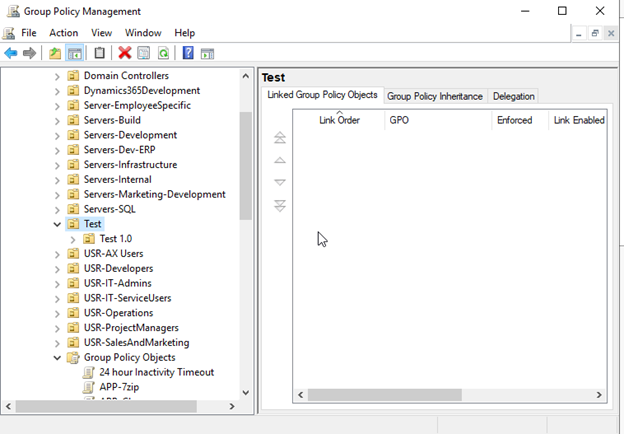
How to delete an OU in Active Directory
I. To delete an OU, right click the OU in question, select Delete
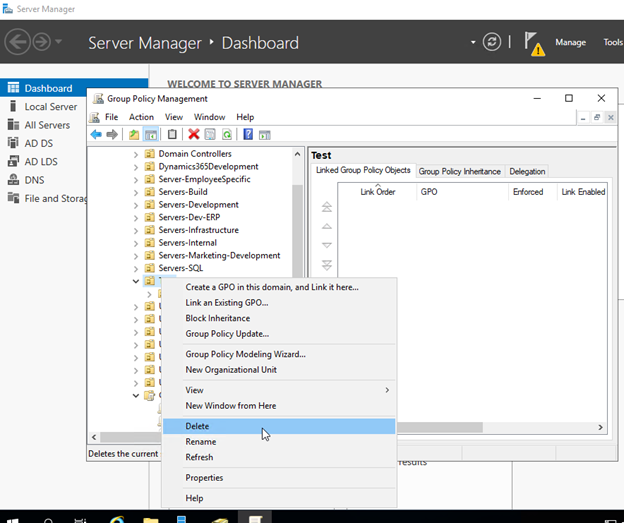
II. Once you select it will prompt for confirmation informing the user that the object and all child objects will be deleted, and then it should be removed after you complete the process.