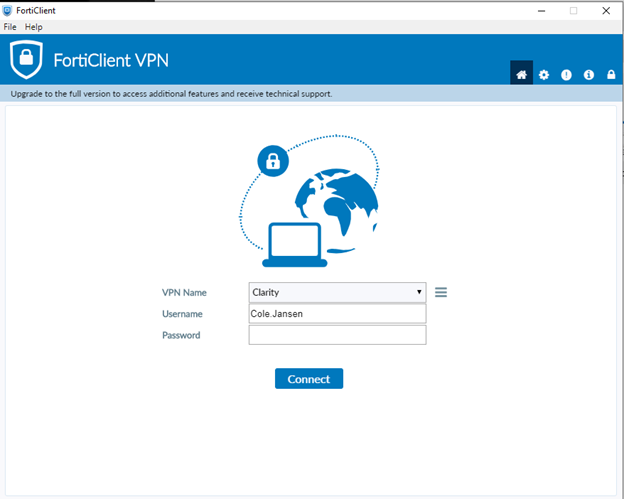
1.Connect to the VPN
2. Sign into both the Corp Domain and the HQ Domain machines
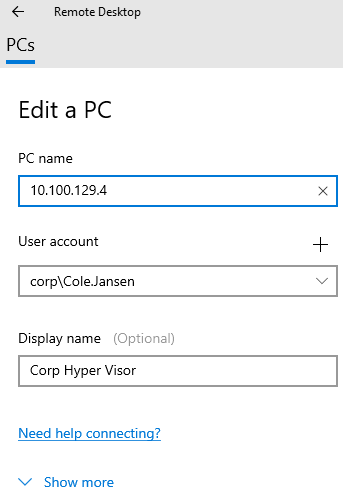
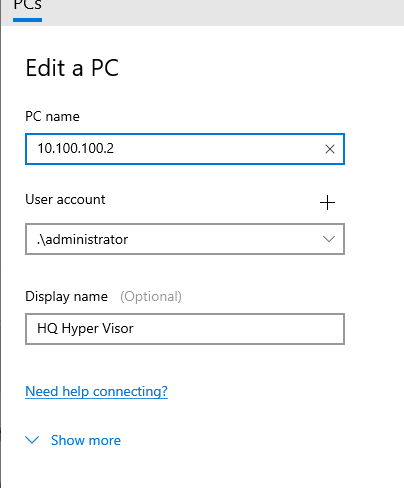
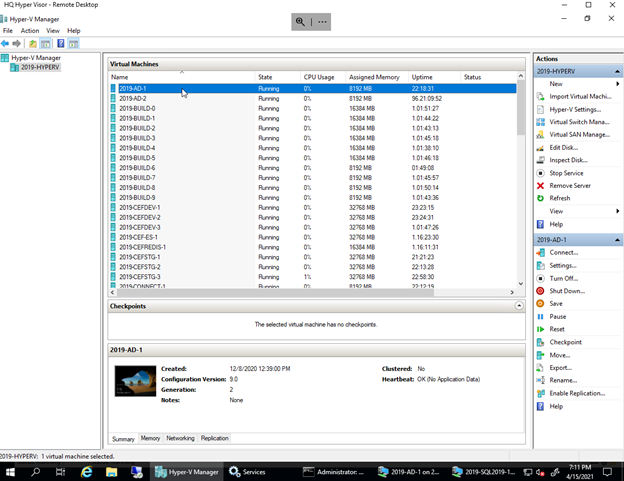
3. Locate the hyper visor in both Corp and HQ domains
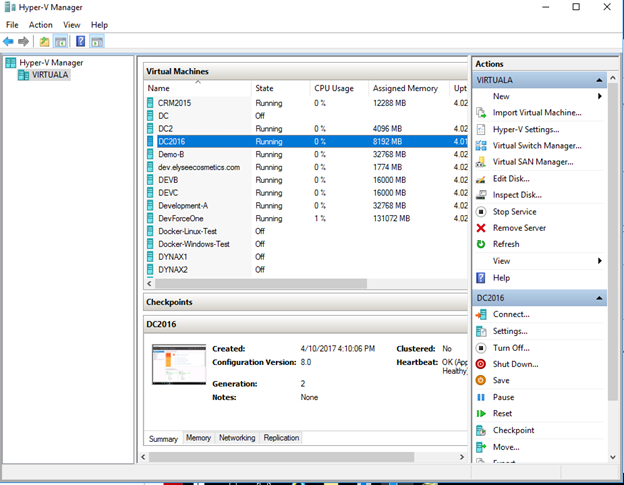
4. Open up the DC2016 Machine and sign in with your credentials for the Crop Domain
5. Open up the 2019-AD-1 Machine and sign in with your credentials for the HQ Domain
6. In the Corp Network DC2016 Machine search for Active Directory Users and Computers
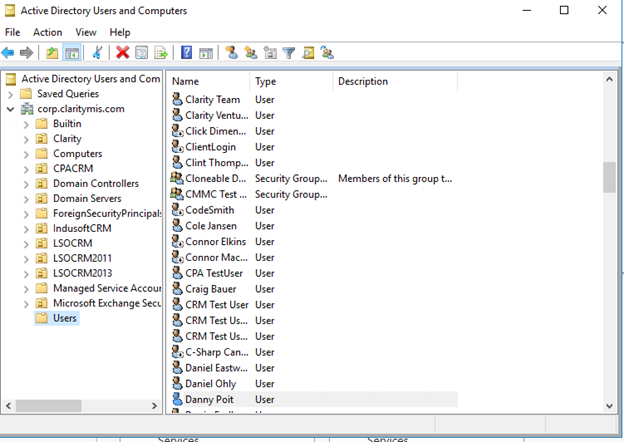
7. Select add a User
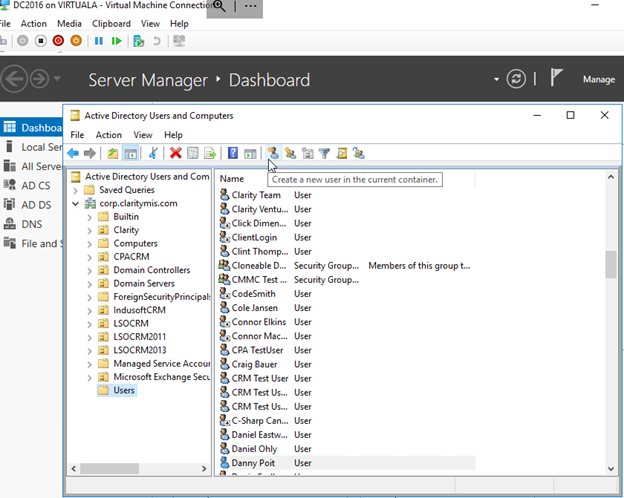
8. Maintain the Users information just like within Office 365
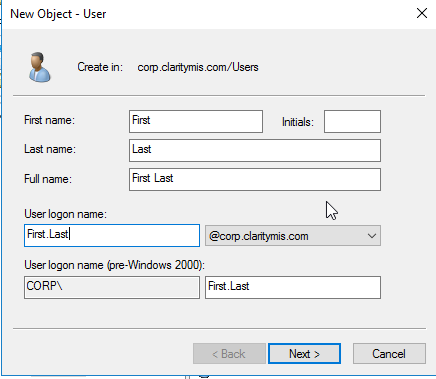
9.Use the same password used to the Office 365 user account
a. The password can’t have three letters matching the user’s name being next to each other
b. Make sure the boxes are unchecked
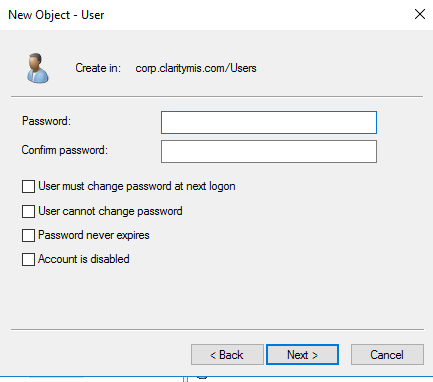
10 Create the account
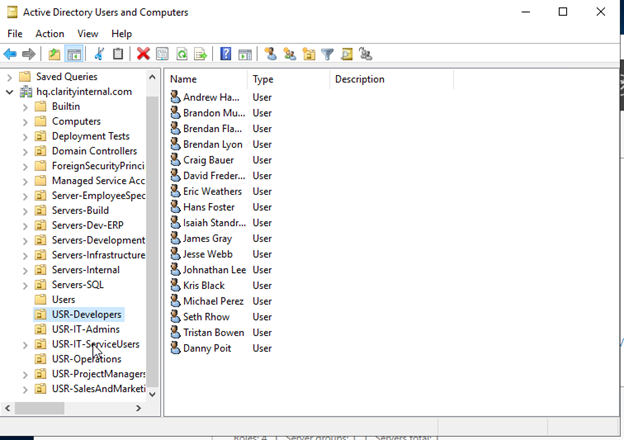
11. Use the created accounts credentials and see if you can sign into a Virtual Machine within both Domains.
12 Follow the Same steps to create a user within the HQ Domain, however when creating the user put them in the correct User Folder