¶ Summary
When a new client sales handoff has been provided, the project manager or project manager coordinator will need to send off the Project Management Introduction Letter and set up a Project Kickoff meeting. After sending the Kickoff meeting, Basecamp will need to be setup following the steps below.
- Technology: Basecamp
- Sphere: Communication and Reporting
- SDLC: Onboarding
- Cadence: Once at the beginning of the project
¶ Process Steps
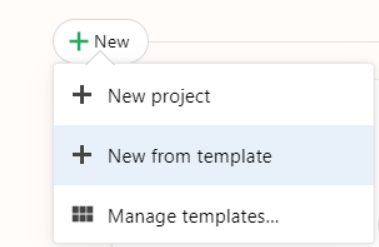
Create from templates:
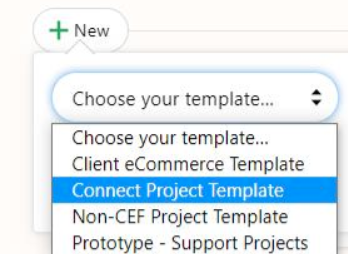
Choose the template of Connect Project Template:
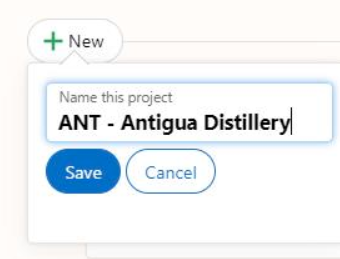
Name it: Client Acronym - Client Name (ex: ANT - Antigua Distillery) and hit save:
Both Clarity and the Client team members will need to be added to the project:

Add the following team members from our team:
- Chris Reddick (both accounts)
- Brandon Murphy
- Kristin Wagner
- Eric Weathers
- Philip Ganoe
- Ron Halversen
- Kyle Sanford
- Shelton Smith
- Brooke Brown
- Sydney Ritson
- Caroline Suh
A client will need to be added. When adding a client, be sure to add both the primary project owner and any other team members they mention after the Project Manager Introduction Letter:
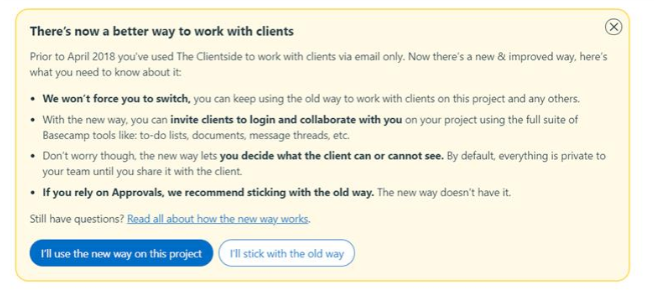
- Click add client, you can use the new way on this project:
- Type the client's company name:
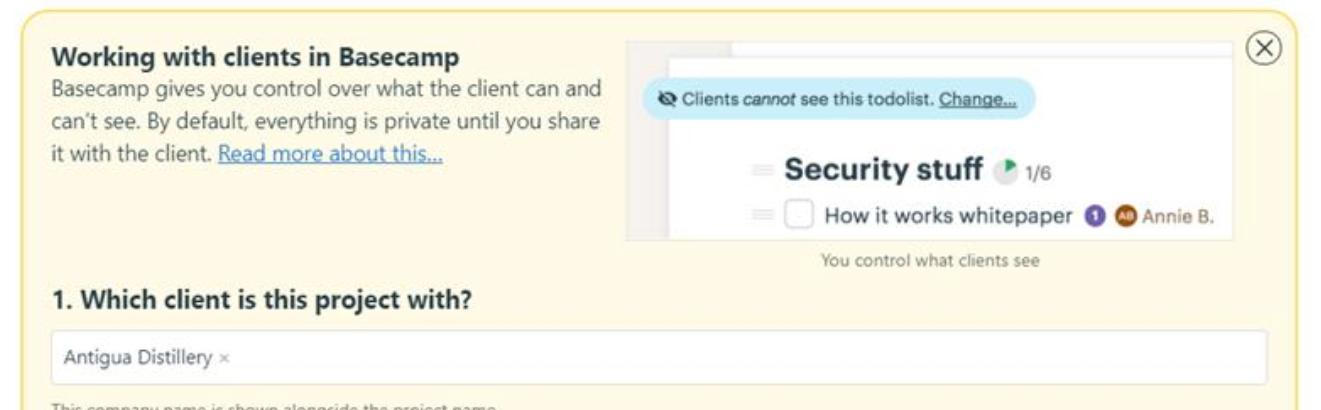
Add each of the clients. It is helpful to specify who is the primary project owner (IE main client team member to report to) by giving them the title of Project Owner:
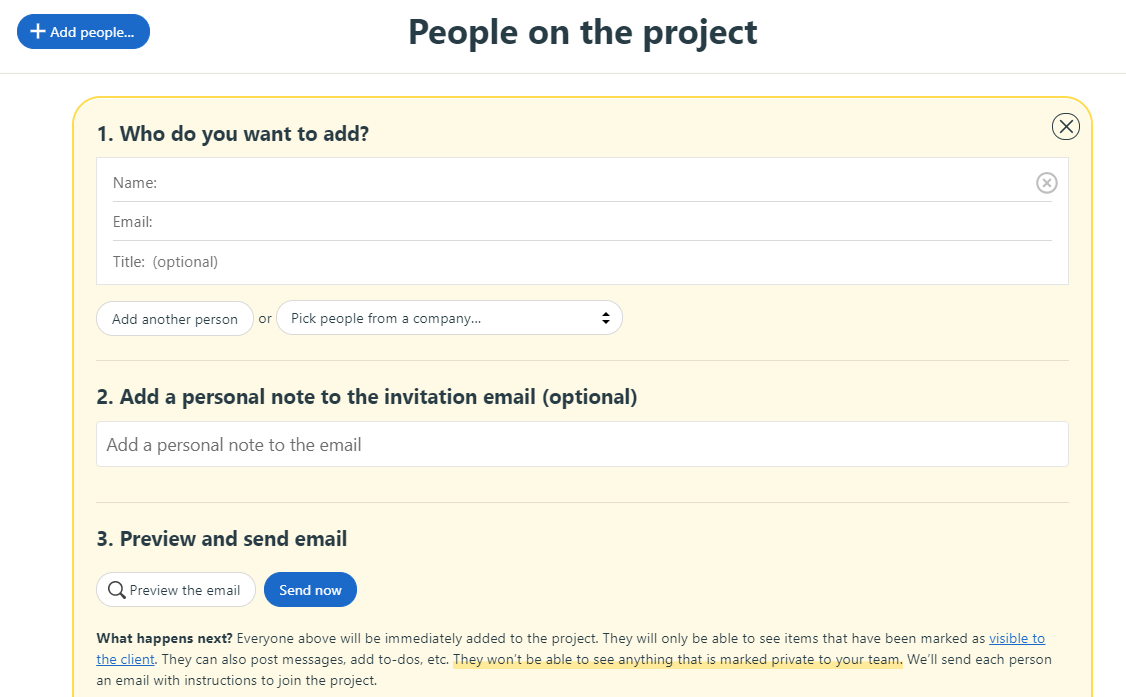
Add a personal note to the invitation email (optional) so they understand where the invite is coming from:
- Example Message: Hi [Client Company] team, you have now been added to the Clarity Ventures project Basecamp. From here you can access message threads, action items (to-dos), and files related to the project. On the project kickoff meeting, we will briefly discuss how to use Basecamp and its benefits. Feel free to login and set up your account so you receive additional notifications from our team.
- Thanks, [Your Name]
Once the client is added, provide them access to view the Files and To-do sections:
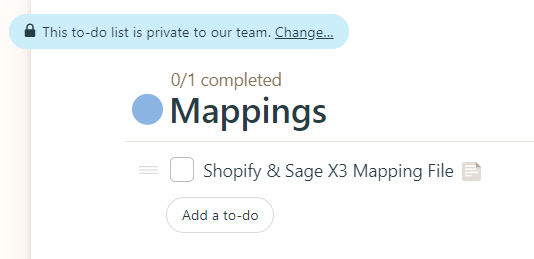
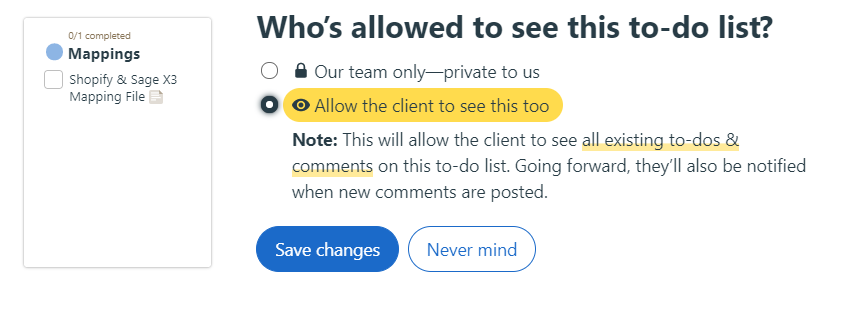
Update the following To-dos to indicate the actual systems being used on the project:
- Rename:
- System A & B Mapping File → (ex) Shopify & Sage X3 Mapping File

- Rename:
- System A/B: (Sandbox) Access and Credentials → (ex) Shopify: (Sandbox) Access and Credentials

- Rename:
- System A/B: Endpoints and API Setup → (ex) Shopify: Endpoints and API Setup

NOTE: Once everything is set up, ensure that all the to-dos, files, and documents are visible to the client. After the project kickoff meeting, you can then assign to-dos to each of the team members on the project.\