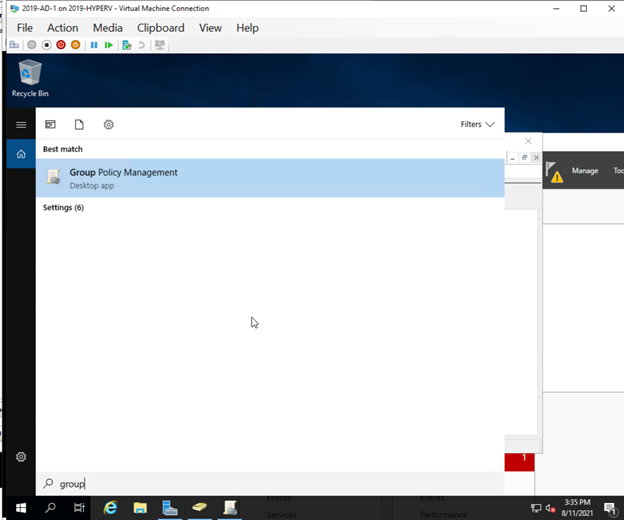
I. Navigate to the Domain Controller, for the HQ environment that would be AD 1, and for the Corp Domain that would be DC2016. Once there, open up Group Policy Management.
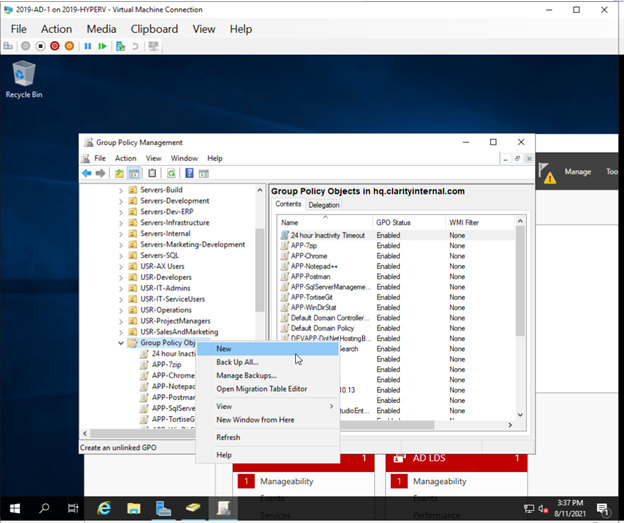
II. Next go the container called Group Policy Objects, right click the heading and then select New.
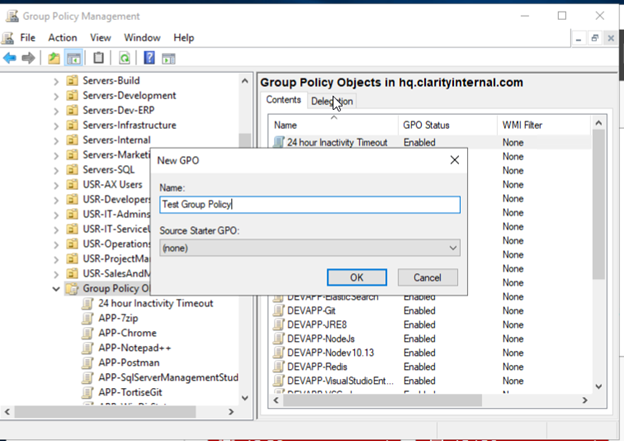
III. Select a specific name that is directly related to the function of the policy, along with following all relevant naming conventions. Once done, hit OK.
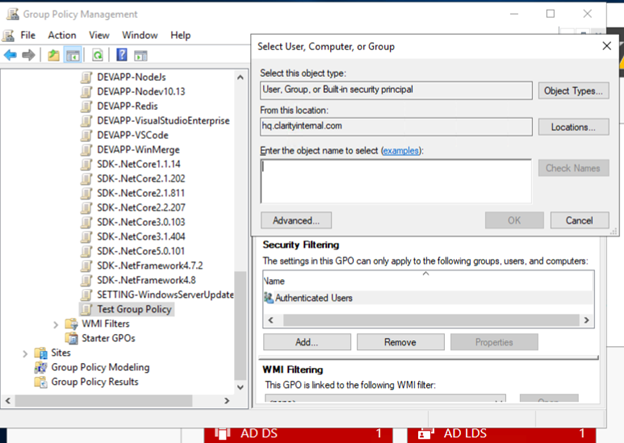
IV. Select the newly created GPO, then navigate to Security Filtering and add / remove the necessary users / groups / computers that the policy should apply to.
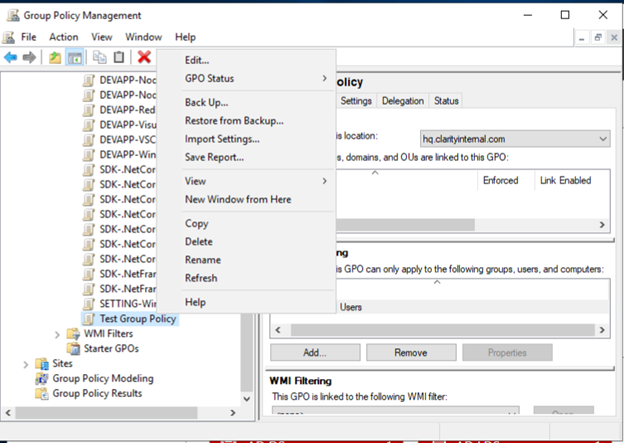
V. To actually control what the GPO does, you need to right click the GPO you created and then select Edit.
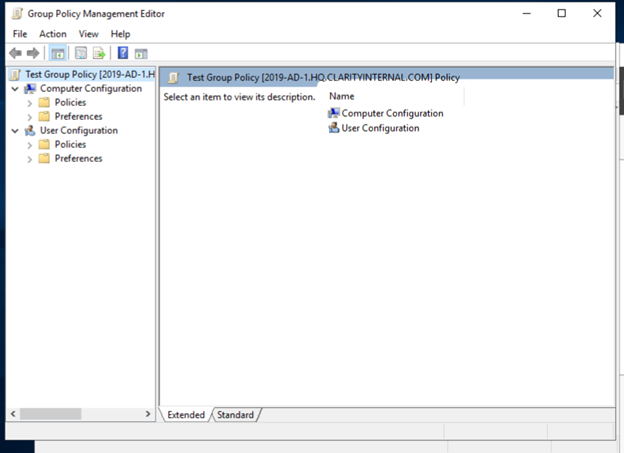
VI. You will then select which policies you wish to apply to the GPO, certain policies are only available through one type of configuration or the other. It is possible to attack multiple policies to one GPO. You will want to pay attention to how certain policies are applied and how they function. In certain situations one policy type will be superior to another and vice versa. Once you are done close the editor.
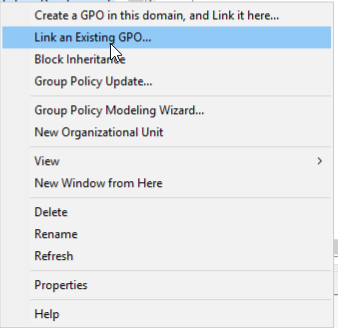
VII. Now you have created the GPO you need to link it to a container in the domain. To do this located the OU you wish to apply the GPO to and then right click it and select Link an existing GPO