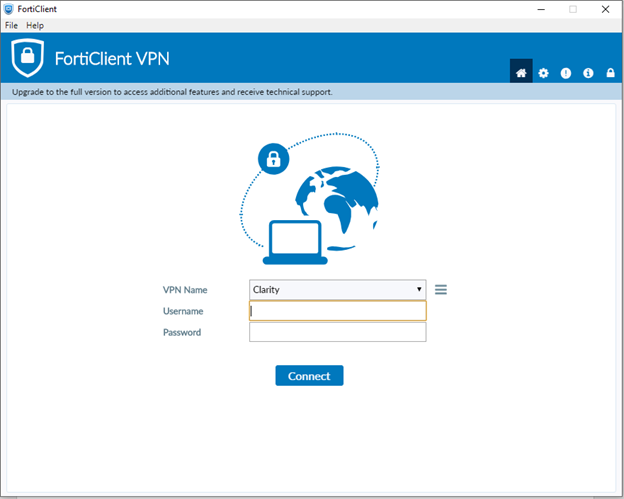
1. Make sure you are using your VPN
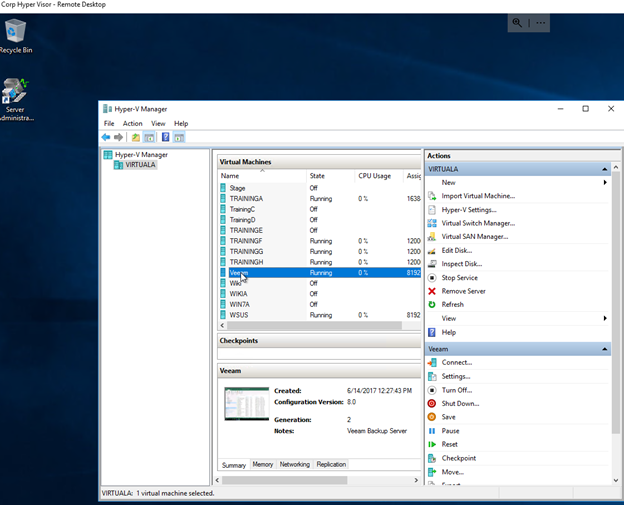
2. Go into the Corp Hyper visor
3. Open the Veeam Virtual Machine
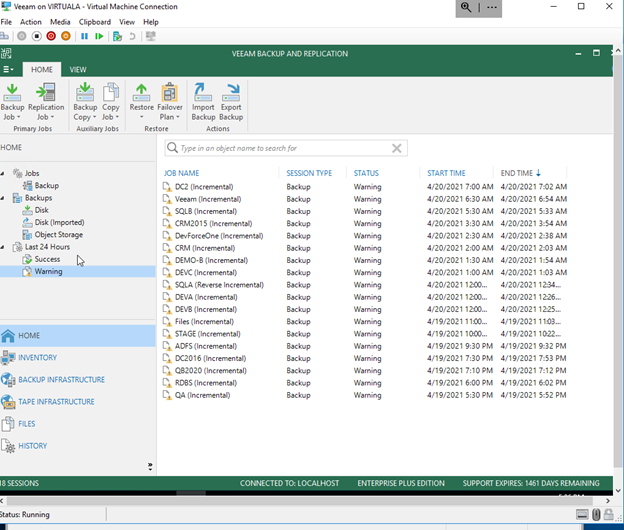
4. Enter your Corp Domain Credentials
5. Select the Warning / Failed tab
6. Select the first machine at the top of the list and scroll down in the action window until you discover the cause for the Warning / Failure
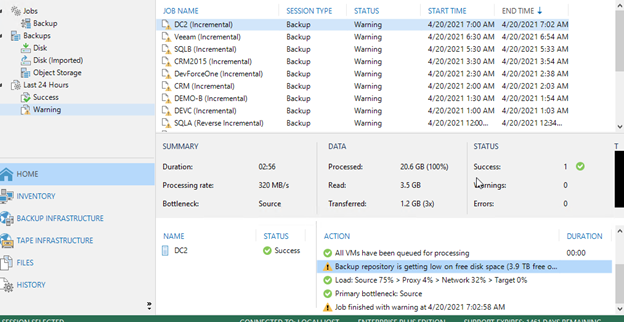
7. Repeat until all machines have been verified and are running properly