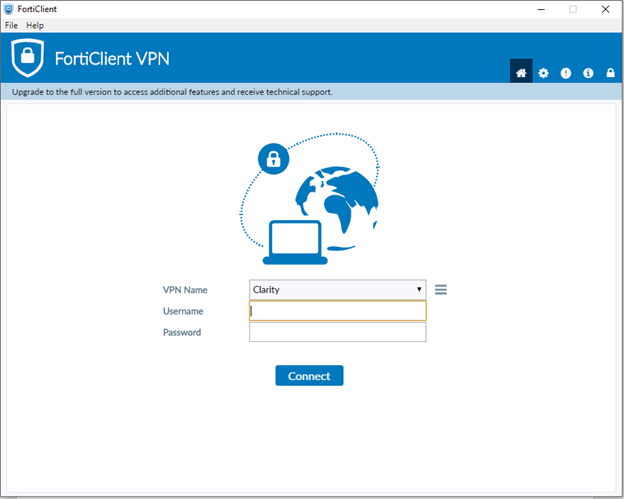
1. Make sure you are using your VPN to sign into the HQ domain
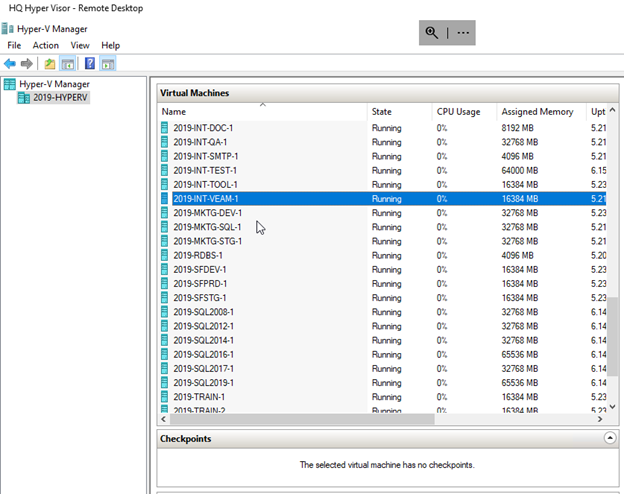
2. Log into the HQ hyper Visor
3. Open the 2019-INT-VEAM-1 machine and sign in with your HQ credentials
4. Open Nakivo Backup & Replication
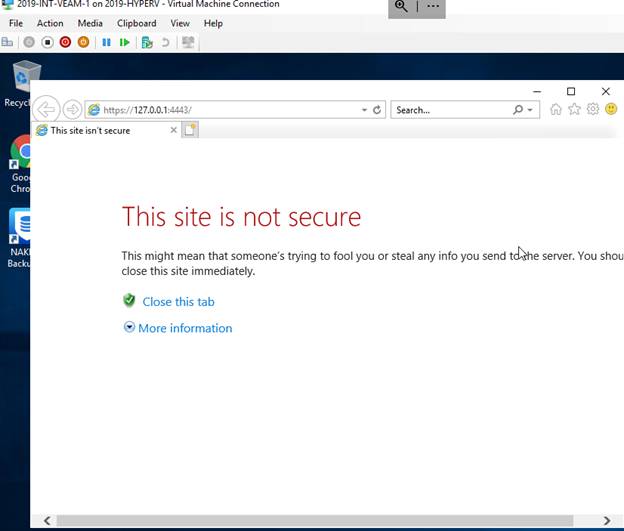
5. Take the URL copy and paste it into Chrome, proceed to webpage and fill in your credentials
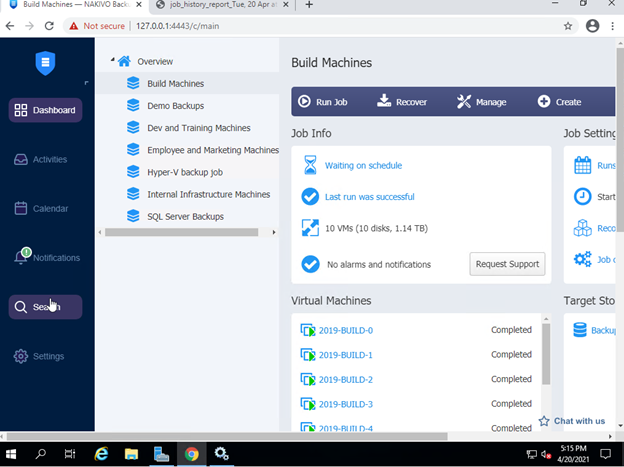
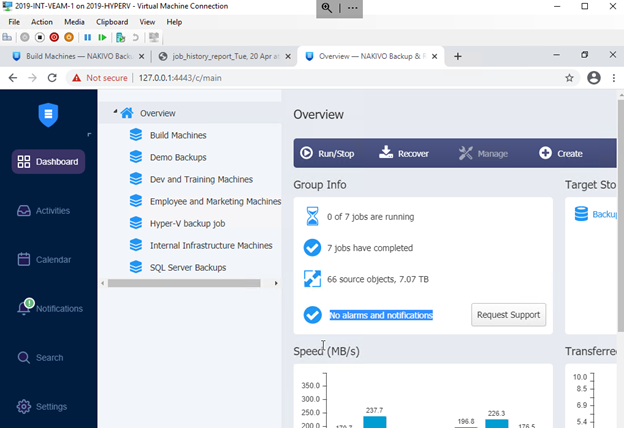
6. Go through each category and check for notifications, after verification if no cause for concern then dismiss the notification