I. Go to 10.100.0.1 sign in with username admin and the HQ domain's Hyper-V's password
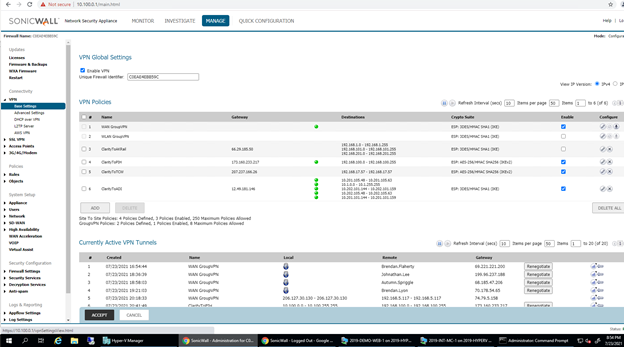
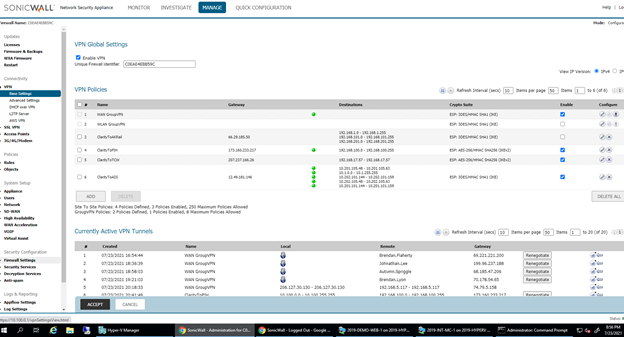
II. To check the status of a VPN by looking at VPN -> base settings. It will show various items, if they have a green orb that shows that the VPN is currently functioning.
III. To add a new item go the wizard in quick configuration at the top middle of the screen.
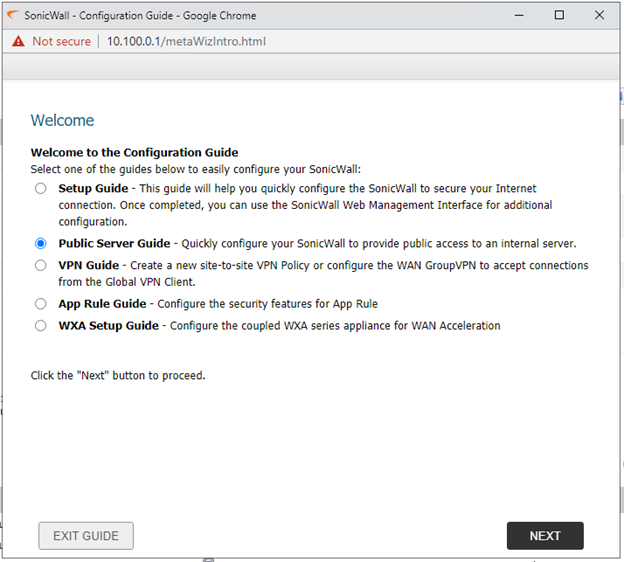
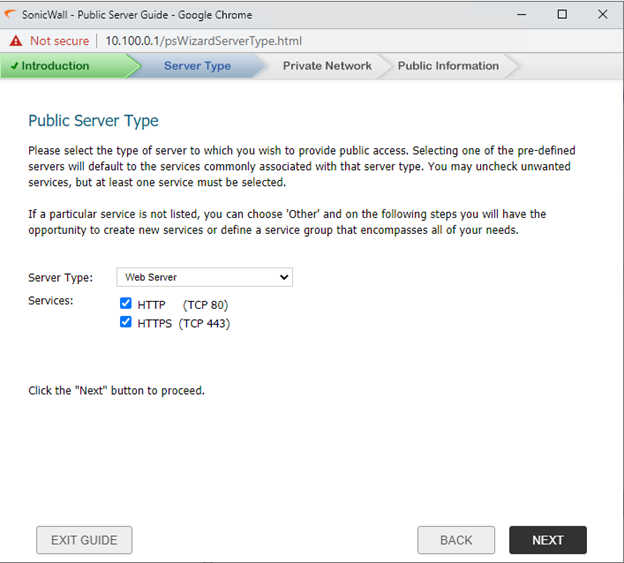
IV. Then select what server type you are trying to add
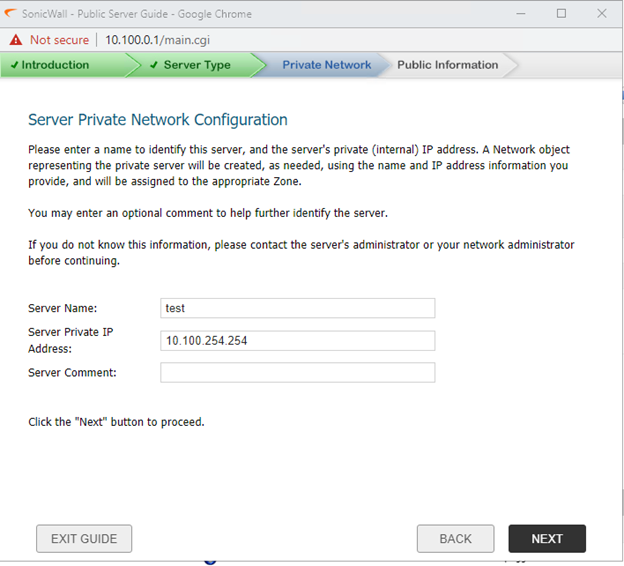
V. Then provide the server's name and its private IP address
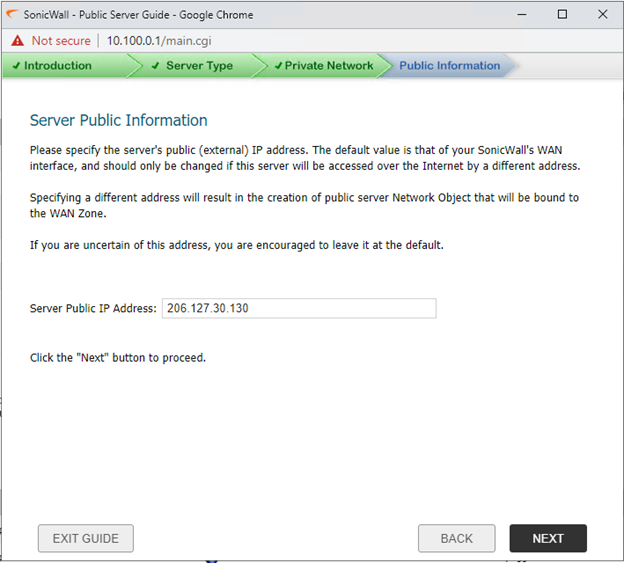
VI. Next step would be selecting the public IP address to be used for the item. Make sure you are confident that the public IP you are selecting is open and available. One way to check is to go to Objects → Address Objects and look at what items are available in the 206. IP range. After you select an available Public IP address select next.