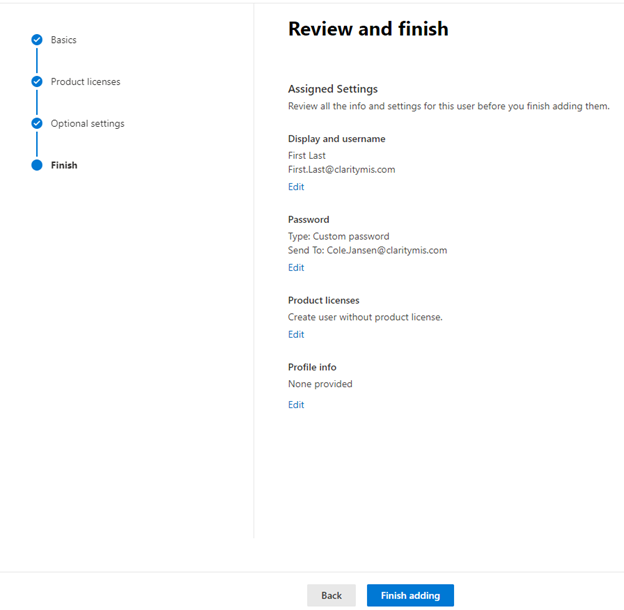
- Search Office 365 login within your browser
a. If you have issues signing in try clicking the three dots and select work, school, or university
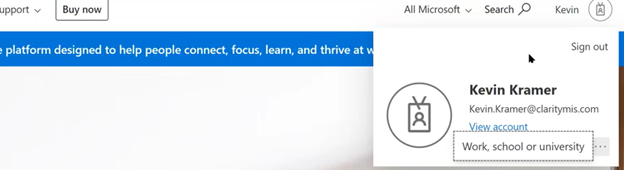
2.Sign in with your Credentials
3. Select the gray A with a gear at the bottom left hand side of the screen
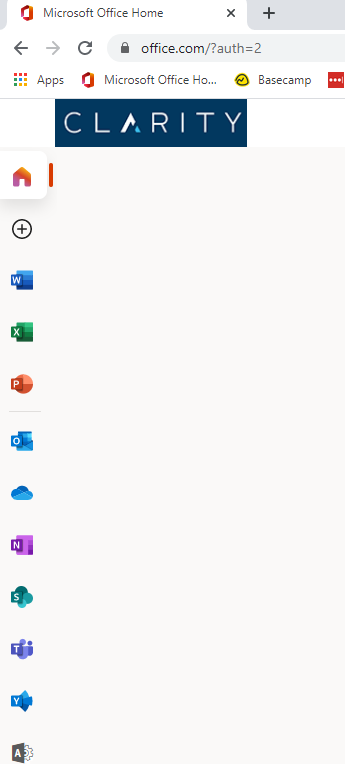
4. From the Home screen navigate to the User Management section and select Add User
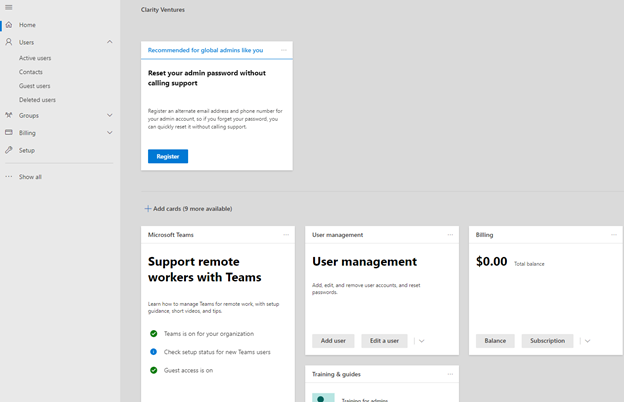
5 Setting up the User’s Account
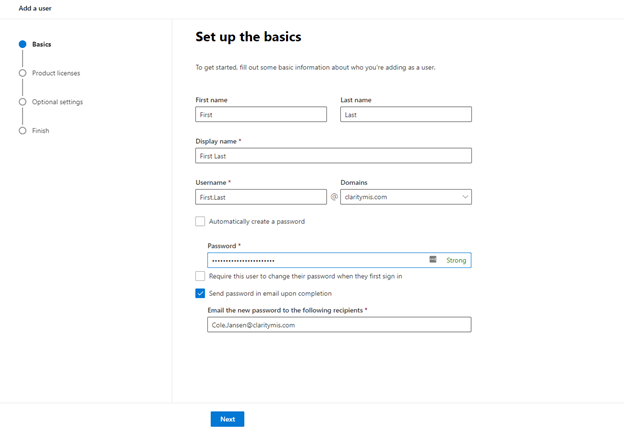
a. Enter the user’s first name.
-
Ex: First
b. Enter the user’s last name.
-
Ex: Last
-
c. Enter the username.
-
Ex. First.Last
-
d. Create a complex password using the user’s name, Clarity, and the year along with special characters
-
-
Ex. F1rT!@#Cl@r1ty2021
-
-
e. Send password in email upon completion
- I. Have this be either your email, or your Administrator's email
6. Next
7. Select relevant licenses to use for the user
I. If none are available or you do not have permission create user without product License
8. Next
9. Optional Settings
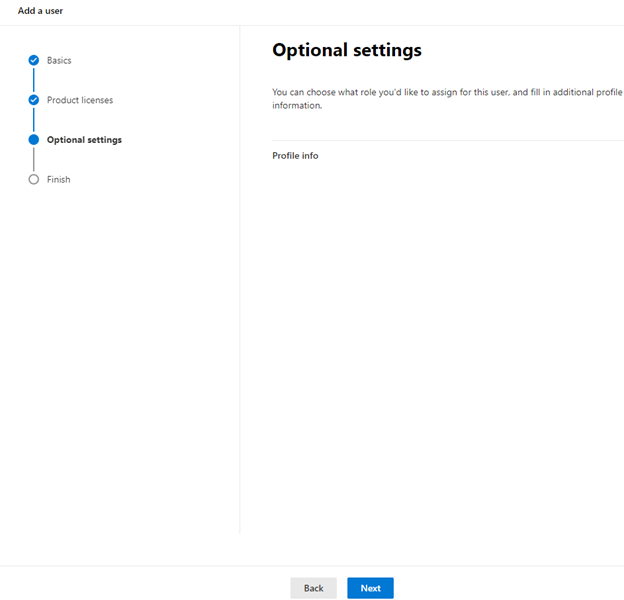
10.Next
11.Review and Finish