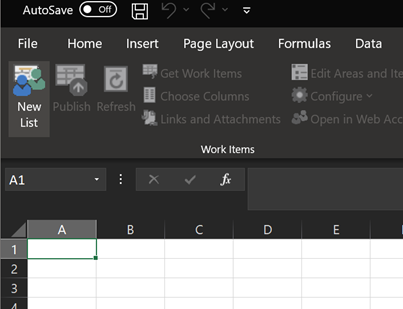
To create a new list in Excel that is attached to Azure DevOps, click the New List Button on the Teams Tab.
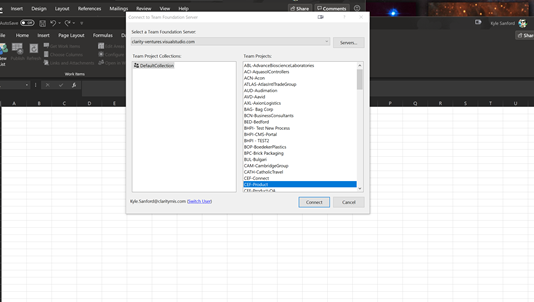
Next, select the clarity-ventures.visualstudio.com server, and select the team project that you want to access.
NOTE: If you have not done this before and are setting this up, click the Server Button, enter the URL above, and use your Microsoft Credentials to log in. Once logged in, the list of Team Projects should appear.
Select CEF-Product if the items you need to access are within CEF-Product.