From the main menu navigate to Settings > Product Catalog > Price Lists
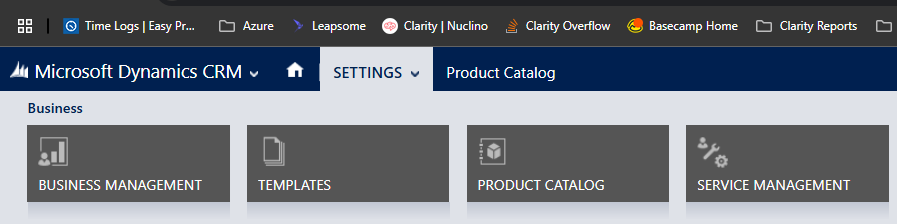

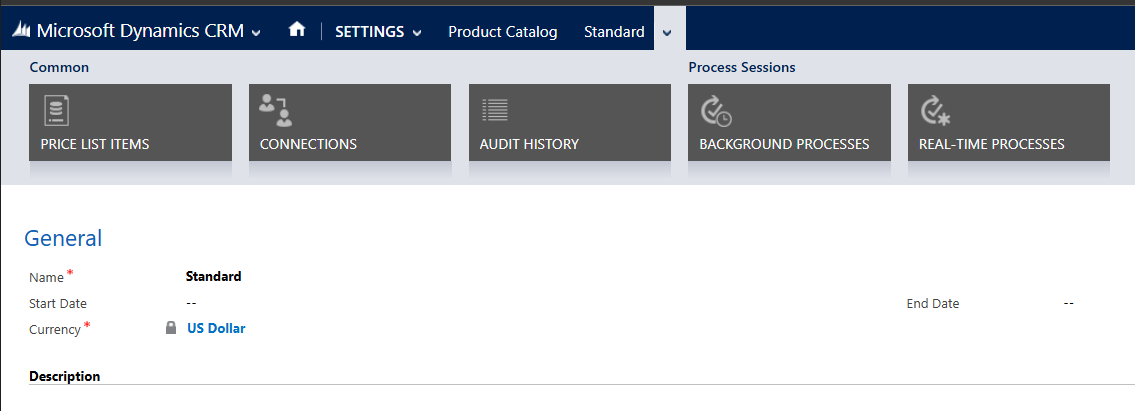
Find the "Standard" Price List in the list and click on it
In the top menu bar click on the far right drop down and select "Price List Items"
c1f95908-8d7f-4246-861b-870bd06d6bd6.png
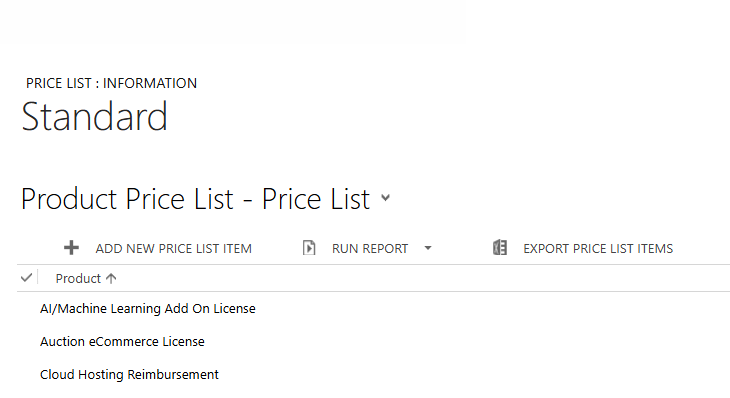
Click "+ Add New Price List Item"
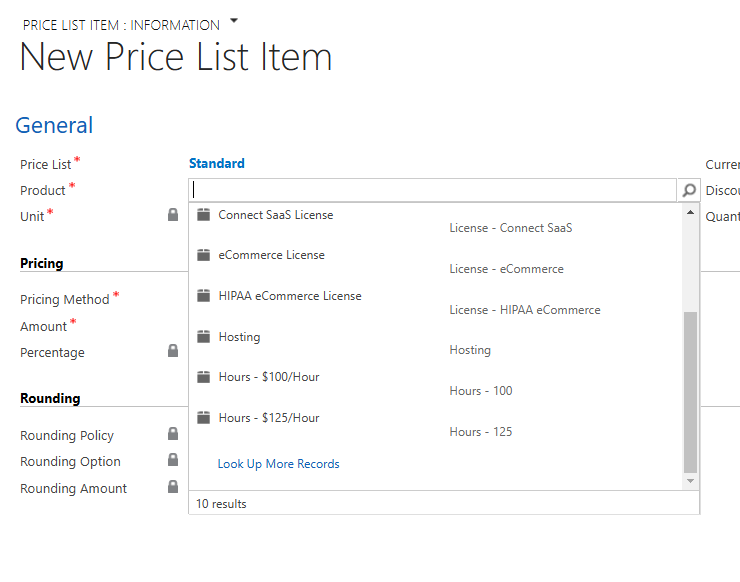
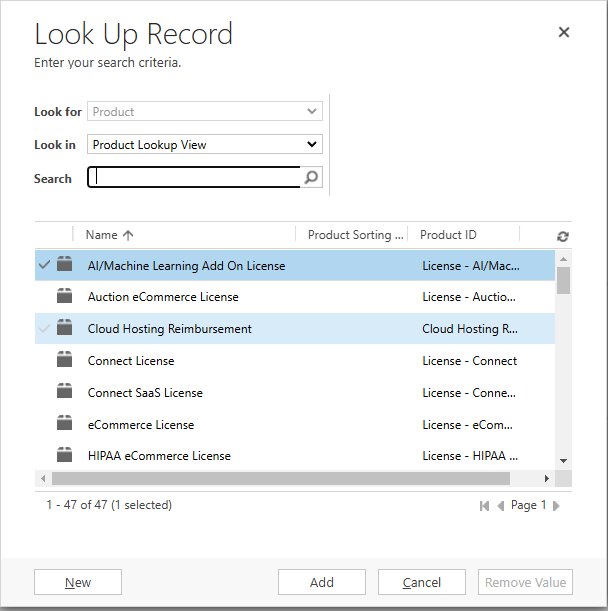
Under "Product" click the magnifying glass then scroll to the bottom and select "Look up more records"
Click "New" at the bottom of the modal
Set the Product ID, Name, Product Type, Unit Group and Default Unit
d71d165a-db34-424d-a9cd-ac4fa45f5a38.png
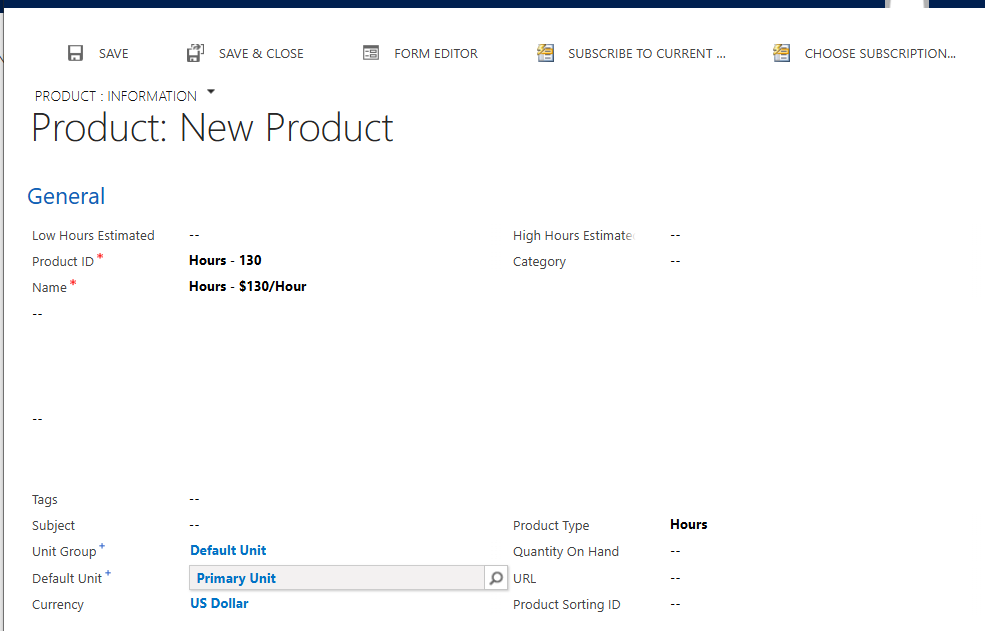
Save and Close (ignore any "Default not set" message)
Click "Add" on the Lookup Record Modal
Set the Unit and the Amount
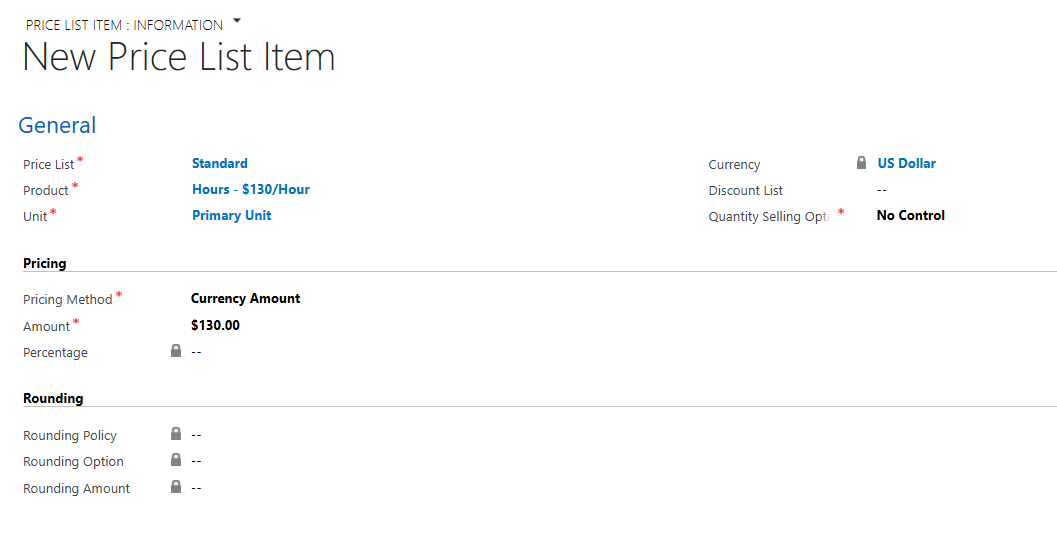
Click "Save and Close". The new product should now be available in the Invoice Product list for any customer/invoice assigned to the "Standard" price list.