¶ Initialization
When discovery starts on a project, the Scrum Master will set up the Miro board using the "Discovery Template" Miro.
It natively has the following sections:
- Original Estimates
- Configurations
- Integration Connectivity and Mappings
- Integration Connectivity and Mappings
- New Features/Epics
- Re-Estimates
- Post-Estimates Scope
- De-Scoped Items
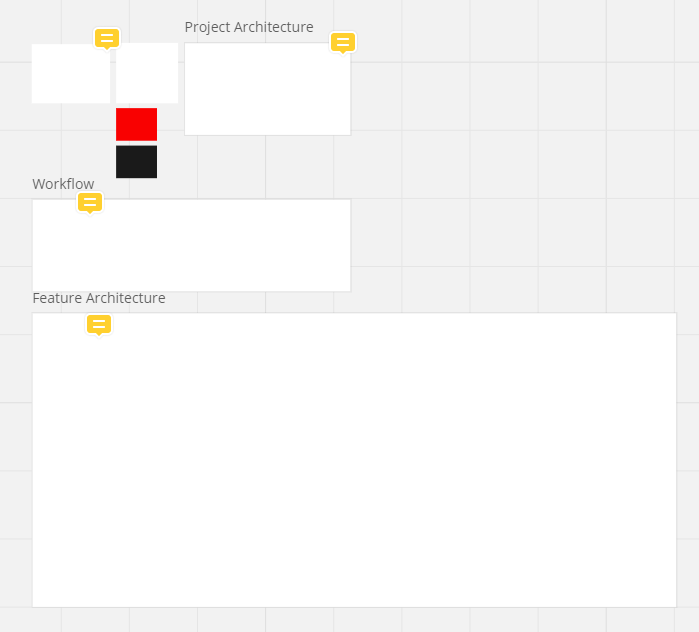
- Project Architecture
- Workflow
- Glossary
- Feature Architecture
- Entering the work into Azure
¶ Original Estimates:
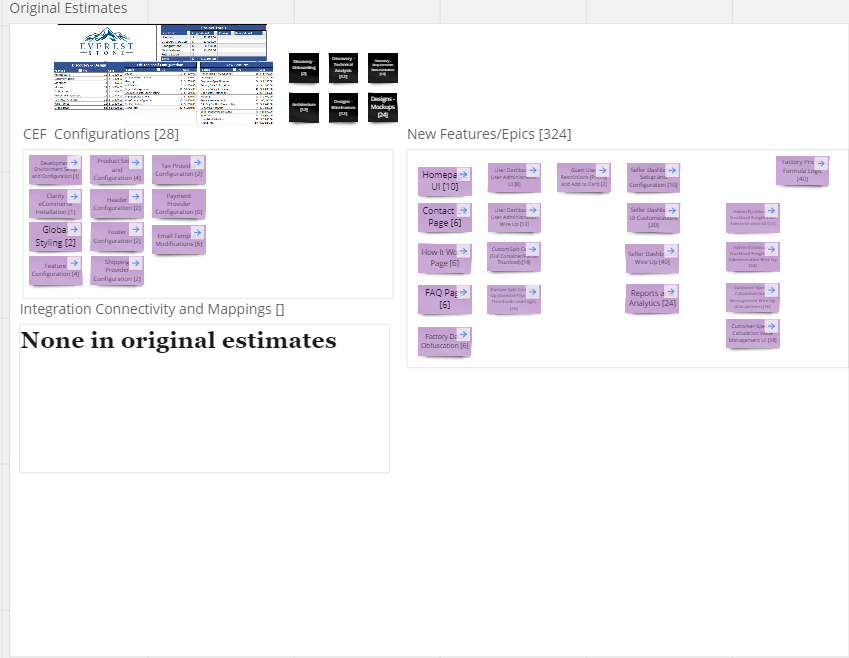
At the top of the frame, you will enter a screenshot of the initial estimates from Sales.
You will then create a stock 'violet' rectangle 'post-it' notes that are size "Small" for each estimate on the original estimates sheet

They will have the name provided by the Sales team, as well as the hours estimate provided.
You will break them out into the proper frames within.
¶ Configurations:
These are estimates that are related directly to the set-up of the project, and configuring existing features. Enter the total amount of hours in brackets on the
¶ Integration Connectivity and Mappings (1 and 2):
These are for any features related to Integration development, rename them based on the systems. For example, if a project has an integration with Magento and Syspro, you would rename one frame to "Magento Connectivity and Mappings" and the other to "Syspro Connectivity and Mappings"
¶ New Features/Epics:
This is where all line items that are what we consider to be net-new development. These are separated out to inform the client that although we may have experience doing this type of development, or have done development related to this feature before, this is going to be a new implementation.
¶ Re-Estimates
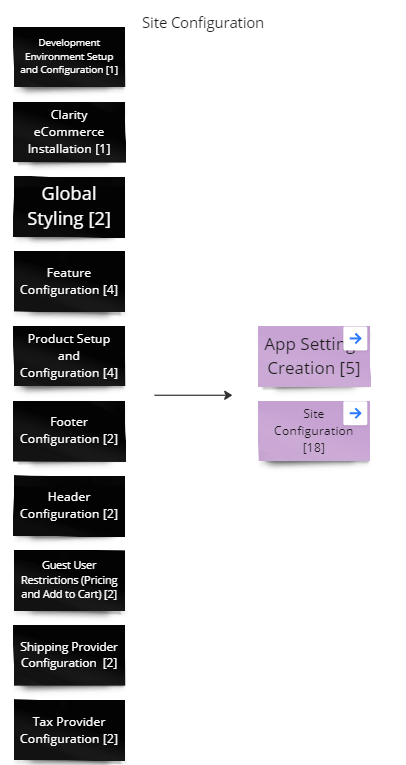
In this section we will take the original items that were estimated in the previous frame, and add them so that we can note as things have been re-estimated.
The intention of this is to keep a consistent naming scheme throughout the remainder of the project. It is a natural thing that line items in the original estimate will change their name completely by the end of discovery. In re-estimates we will change the "revised hours" of those features to "0", and the new items with the related hours.
In Example:
¶ Post Estimates Scope
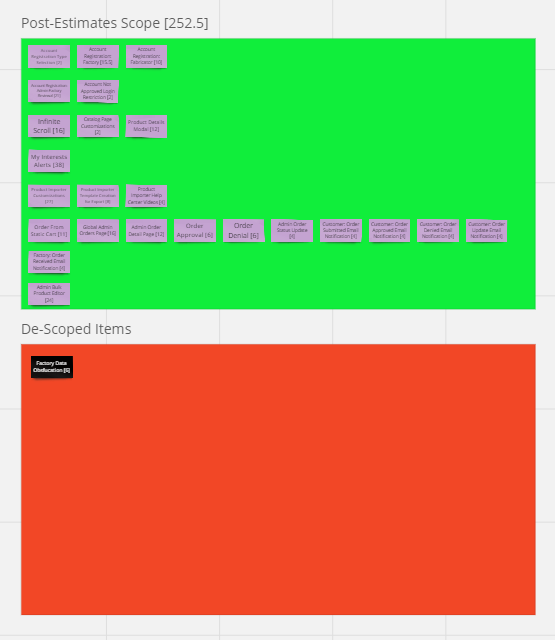
This bright area is specifically noted to bring up anything in discovery that is not directly related to the existing items that were created by sales. As can be expected, the Sales team can not necessarily catch every item that the client wants, and new items will surely arise.
It is imperative for items that were not initially in the scope from the initial estimate to be put into this section, as it makes it much easier to understand when discovery has taken longer, or the estimates for the project have increased significantly.
¶ De-Scoped Items
Similarly to the Post-Estimates scope, the purpose for this is to ensure that a feature is no longer in discovery, and will not be developed.
¶ Project Architecture
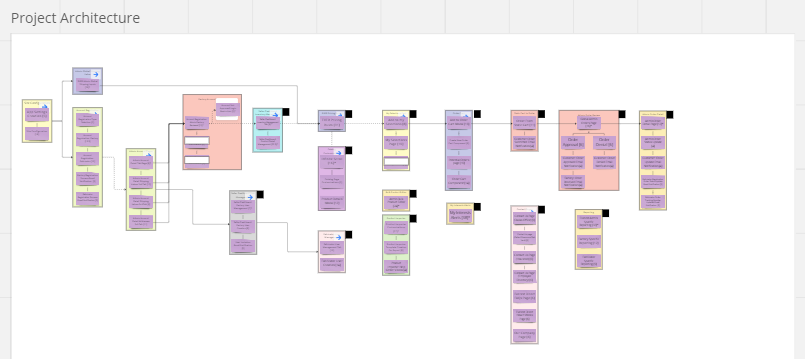
Also known as "High Level Architecture", this panel is utilized by the BA,CTO or COO to perform re-estimates on the finalized features from the "Re-Estimates" panel.
Within this panel, the CTO will organize related features into Epics, and enact a workflow that follows the proper way development will unfold.
On each off these features, the Scrum Master will assign a developer(s), and sprint plan the entirety of the project based on the estimated hours per sprint possible for the project.
This information will be used to build out the Gantt chart at the start of the project.
Each of these Epics will link directly to the related Epic in the Feature Architecture panel.
¶ Workflow
This panel is utilized for the discovery of the project, primarily by the tech leads and the Business Analyst to determine what is being done on this project. By and large this is a work area used to produced the rest of the frame. Whereas it can be interesting to see the steps taken to get to what the architecture eventually produced, this section is mostly unused outside of the Architecture team.
¶ Glossary
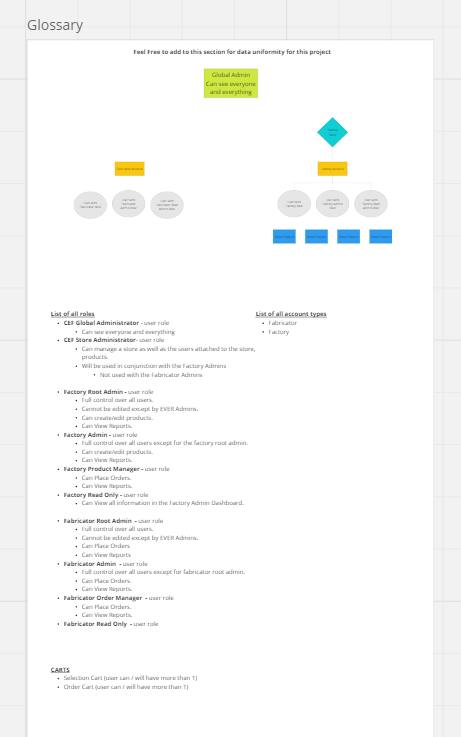
Created throughout the architecture process, this panel will include all information that is necessary for data uniformity across the project.
¶ Feature Architecture
This panel is essentially the bulk of the data on the Miro board, and requires the most organization and care. Within this panel you will see the bulk of the features as they are finished by the Architecture team.
All features related to a singular epic will be clustered together in a frame:
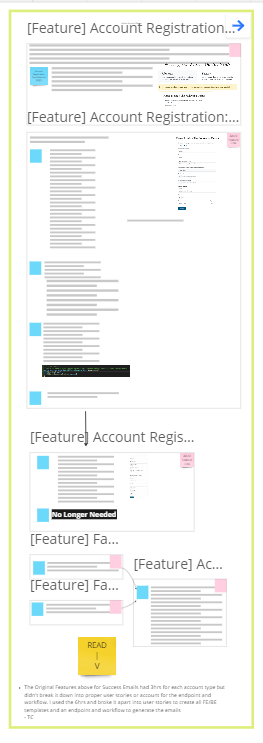
This frame will link via Miro to the Epic in the "Project Architecture", so that a user can see the relation of this epic to the other epics in this project.
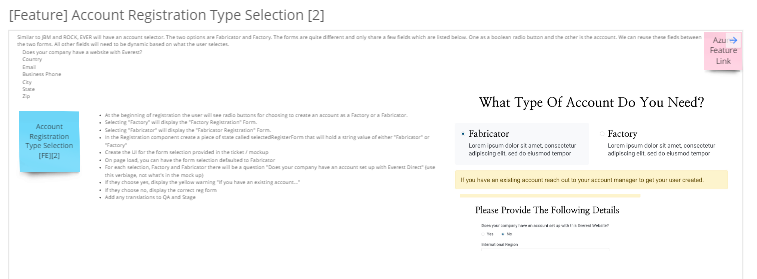
Each feature will be its own frame within the frame, and the related User Stories to that feature. Each User Story will be denoted by a blue post it note, which is size "Small"
It will have the name of the User Story, and within brackets the hours estimated for the User Story.
- Ideally no User Story will be greater than 8 hours.
If a User Story has more than one specific task, they are outlined within the text box to the right of the User Story.
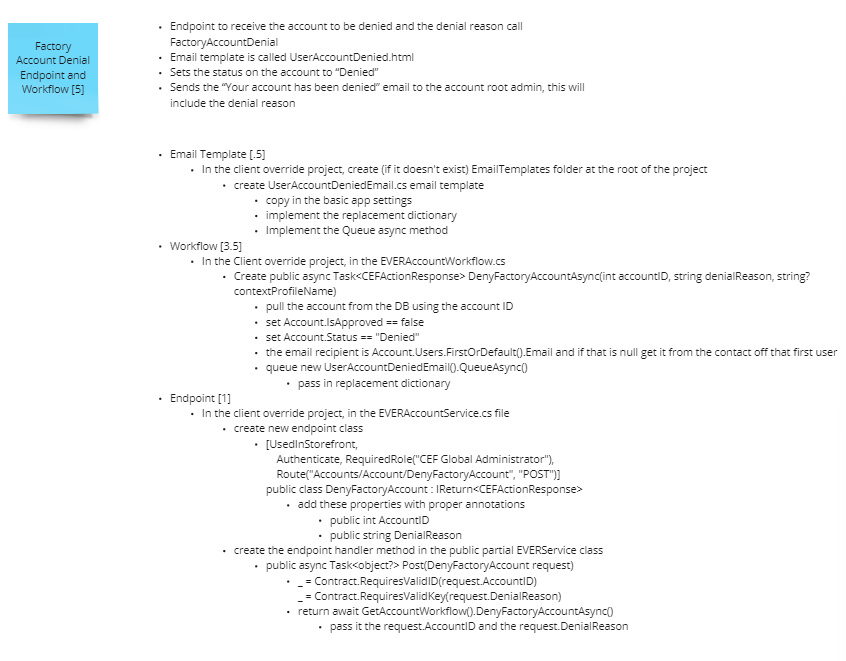
When a Feature is completed by the Architecture team, it will receive either a small Black post-it note, or a Green circle
Green Circles: These features require review by a senior developer, or other resource. When these are reviewed, they will change this to a small Black post-it note.
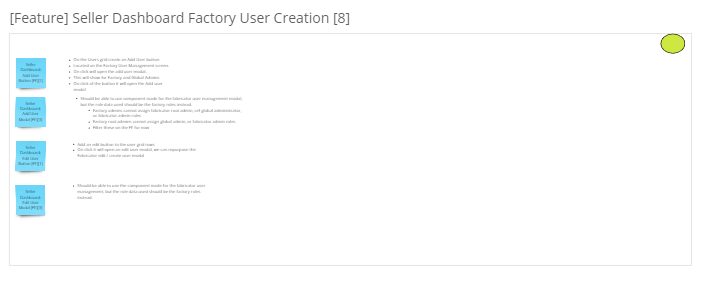
Black post-it notes: These are 'feature complete' and are ready to be entered into Azure.
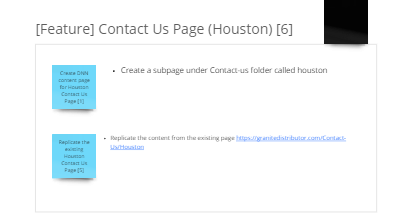
¶ Entering the work into Azure
Once the Project Architecture is completed, the Scrum Master will be notified by the Business Analyst and will enter tickets for the Architects to do Feature Architecture. This will be 10% of the time for that feature, rounded up and at least 1 hour. In a scenario where there are several small features, they will be grouped together (i.e. if there are ten 1 hour features that need architected, these will be grouped together, totaled (10 hours total) and then the 10% will be applied - the output of this would be a 1 hour ticket to architect ten small features.
Upon feature completion of an Epic, the work will be entered into Azure.
Using the Azure/Excel Integration the project will be set up, with the related structure of Epics, Features, User Stories, and Tasks in Azure. Utilizing the Predecessor/Successor relations as necessary.
When the related features are entered into Azure, you will follow these guidelines:
- Epics: In the description there will be a link to the Miro board at large.
- Feature: In the description there will be a link to the specific feature of the Miro.
- User Story: In the description will be the description related to the User Story from the Miro board.
- Task: In the description will be the text "Full info in the parent, link to Miro in the Feature"
When each feature has been entered into Azure
- You will change the color of the post-it note from Black, to Pink.
- Type "Azure Feature Link" in the post-it note
- Link the post-it note to the Azure feature.