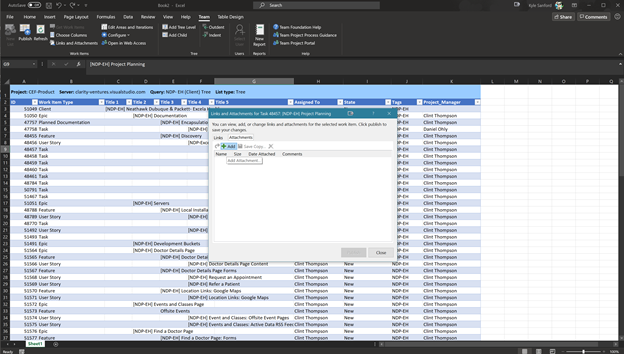
To add a link (to a work item that is not in your list or not a directly linked) or to attach a file/screenshot to a work item, select the line item (Feature, User Story, or Task) and click the Links an Attachments Button.
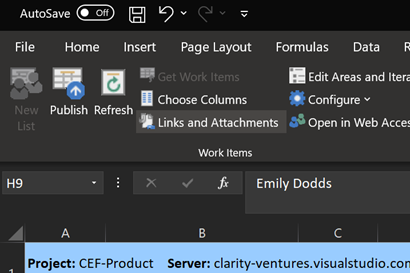
The Links and Attachments Modal will show the item's current links and attachments. The Links tab can be used to associate other work items to the selected item.
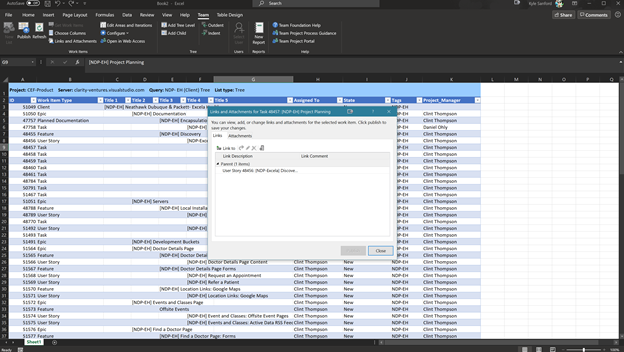
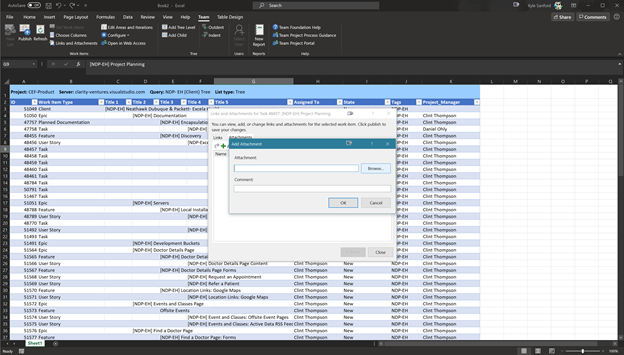
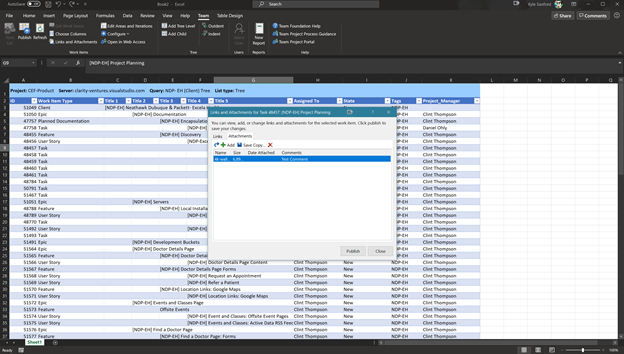
To attach files or screenshots to a work item, navigate to the Attachments Tab of the Links and Attachments Modal and click the “Add” Button. Then find and select the file you wish to attach.