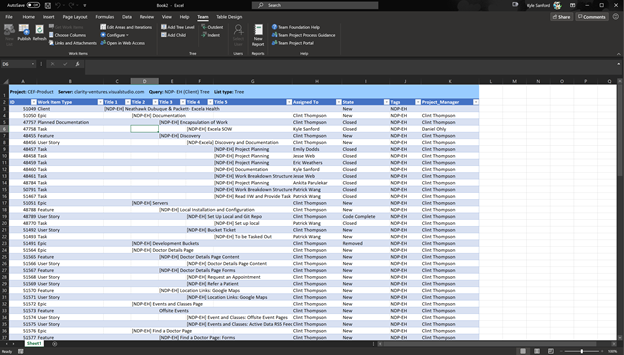
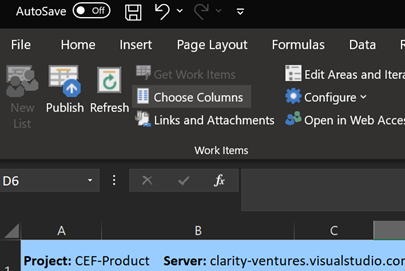
To add or remove columns from a query or input list, click the Choose Columns Button on the Teams Tab.
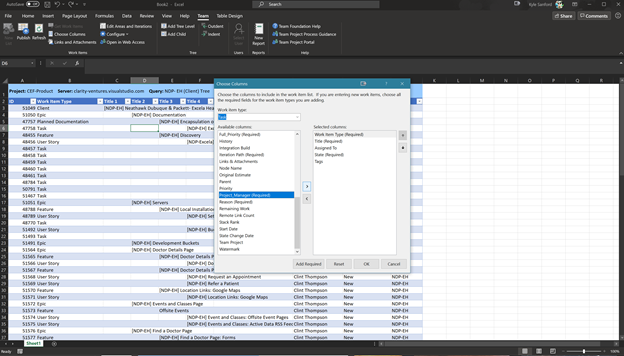
Choose columns to add from the list on the left and add them to the list on the right. Additional, you can reorder the columns to better display the data.
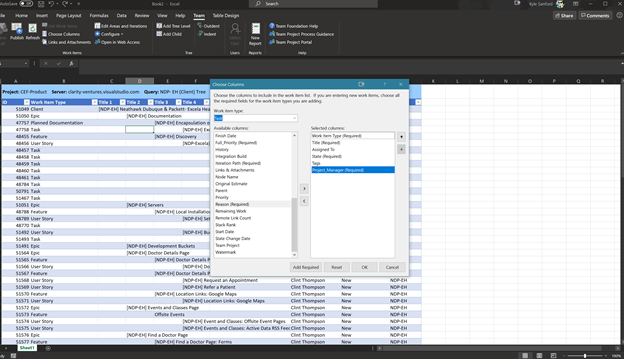
Once confirmed, the Excel Sheet will refresh and show the added/remove the deleted columns.