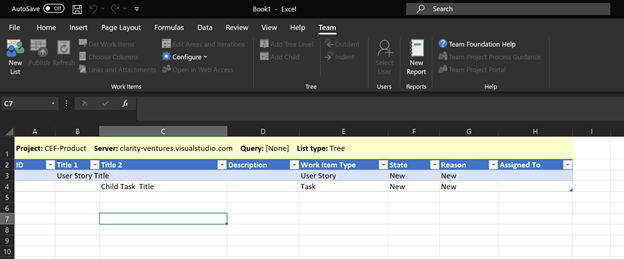
If the list you are currently viewing only goes down to a User Story Level, you can click the Add Tree Level Button to add an additional tree level. This will add a column to the right of the Title Column association with User Stories (i.e. Title 3 Column was the User Story Level Title Column. Clicking the Add Tree Level Button added a Title 4 Column which is associated with the Task Title.
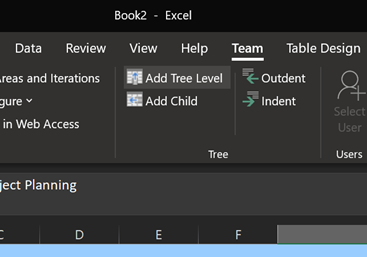
NOTE: If the list you are currently using is a flat list of work items, you may need to convert the list to a tree list of work items. The system should automatically prompt you to convert your list when adding a second tree level or child work item.
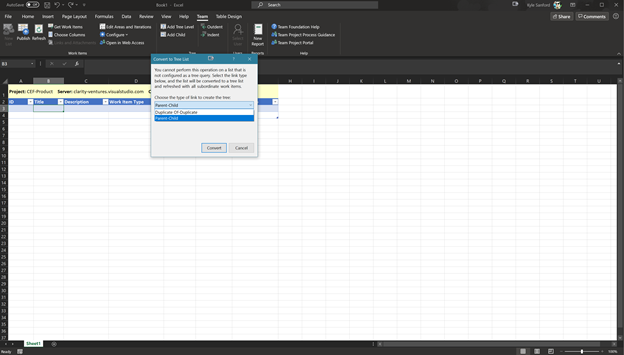
Once converted, Excel will show 2 different Title Columns: Title 1 - Parent Item / Title 2 - Child Item. If there are multiple tree levels going up to the Client Level, the structure would be as follows:
Title 1: Client Name
Title 2: Epic Name
Title 3: Feature Name
Title 4: User Story Name / Bug Name / Change Request Name
Title 5: Task Name / Impediment Name